Introduction
Cables, adapters, and scattered accessories can easily turn your workspace into a mess. If you often struggle with limited ports or tangled wires, a docking station or a port replicator can help you regain order. Both improve your workflow, but they serve different purposes. So which one should you choose? Let’s break it down.
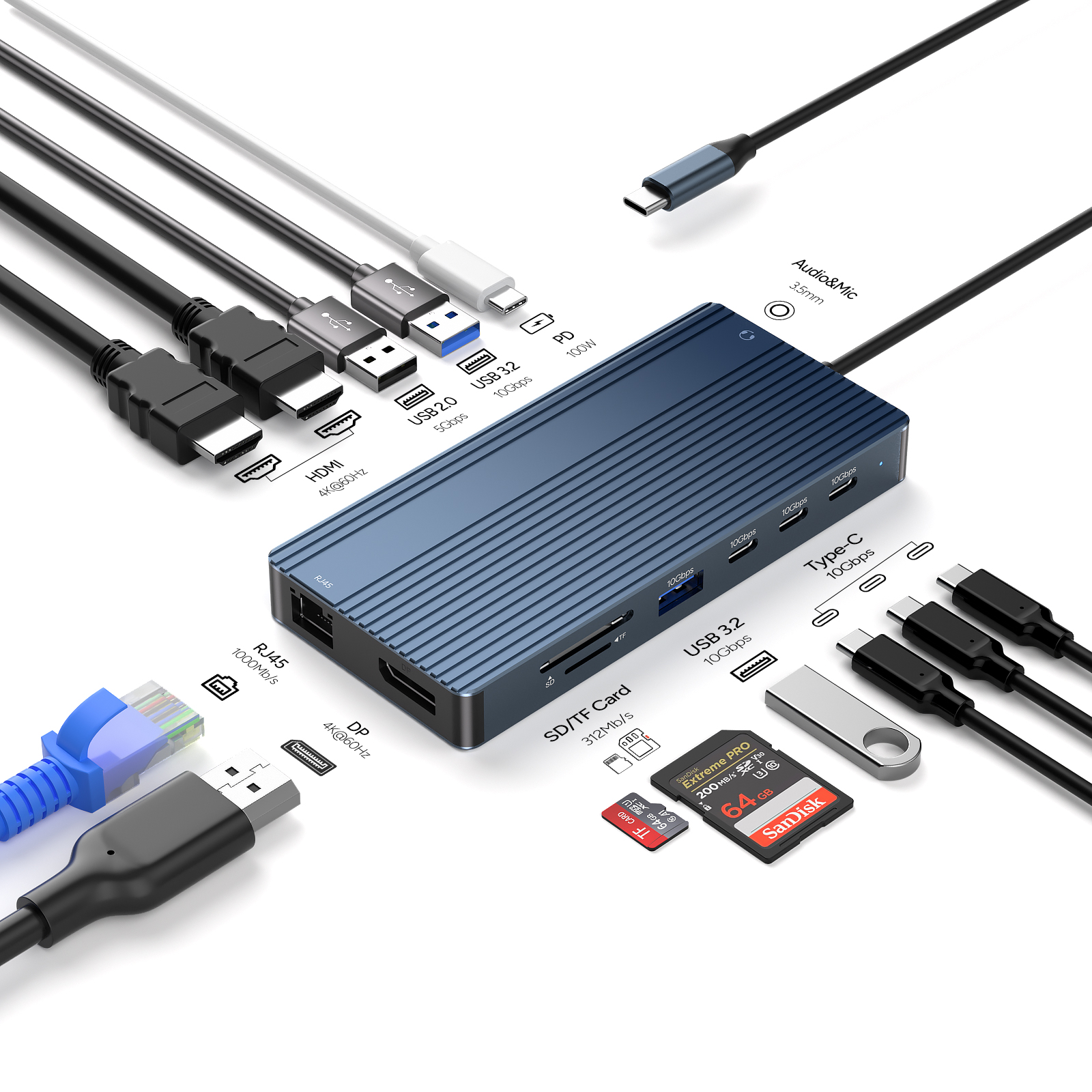
Docking Station: A Powerful All-in-One Hub
A docking station is designed to offer a wide range of ports—HDMI, DisplayPort, USB-A, USB-C, RJ-45 Ethernet, audio output, and more. Many models even support laptop charging, eliminating the need for a separate power brick.
Picture this:
You arrive at your desk, connect your laptop to the dock, and instantly your monitor, mouse, keyboard, printer, and network are all ready to go. No more swapping adapters or searching for the correct cable.
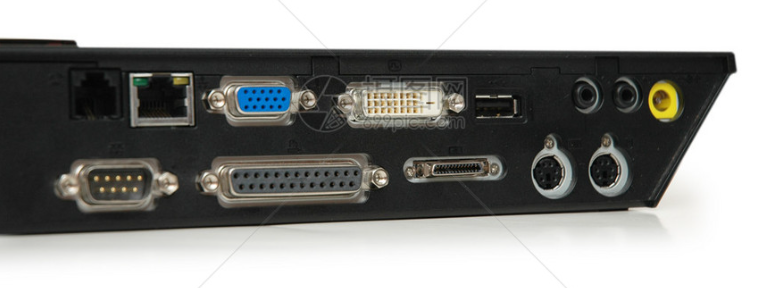
Port Replicator: A Compact, Lightweight Companion
A port replicator is a simpler, more portable alternative. Rather than offering a full suite of ports, it mainly extends the types already found on your laptop, such as additional USB ports or a single display output.
If you prefer something that slips easily into your bag and supports only the essentials, a port replicator may be the better fit.
How to Choose?
Your decision depends on how you work. Here’s a straightforward comparison:
| Category |
Docking Station |
Port Replicator |
| Port variety |
More ports, including specialized ones like Ethernet |
Fewer ports; mostly basic extensions |
| Power delivery |
Often supports laptop charging |
Rarely provides power |
| Portability |
Bulkier, best for fixed setups |
Smaller and highly portable |
| Cost |
Higher due to extensive features |
More affordable |
Ask yourself:
Need many types of ports? → Choose a docking station.
Want laptop charging included? → Docking station.
Work on the go? → Port replicator.
Need a budget-friendly solution? → Port replicator.
Why They Boost Productivity
Both devices can noticeably streamline your workflow:
Faster setup: Connect all peripherals with a single plug.
Better ergonomics: Easily attach external monitors and keyboards for a healthier posture.
Cleaner cable management: Reduce clutter and keep your desk tidy.
Conclusion
Whether it's a feature-rich docking station or a compact port replicator, either tool can help you build a cleaner, more efficient workspace. Evaluate your port needs, mobility, and budget, and you’ll easily find the best match. With the right device, you can say goodbye to cable chaos and enjoy a smoother, more organized workflow.









