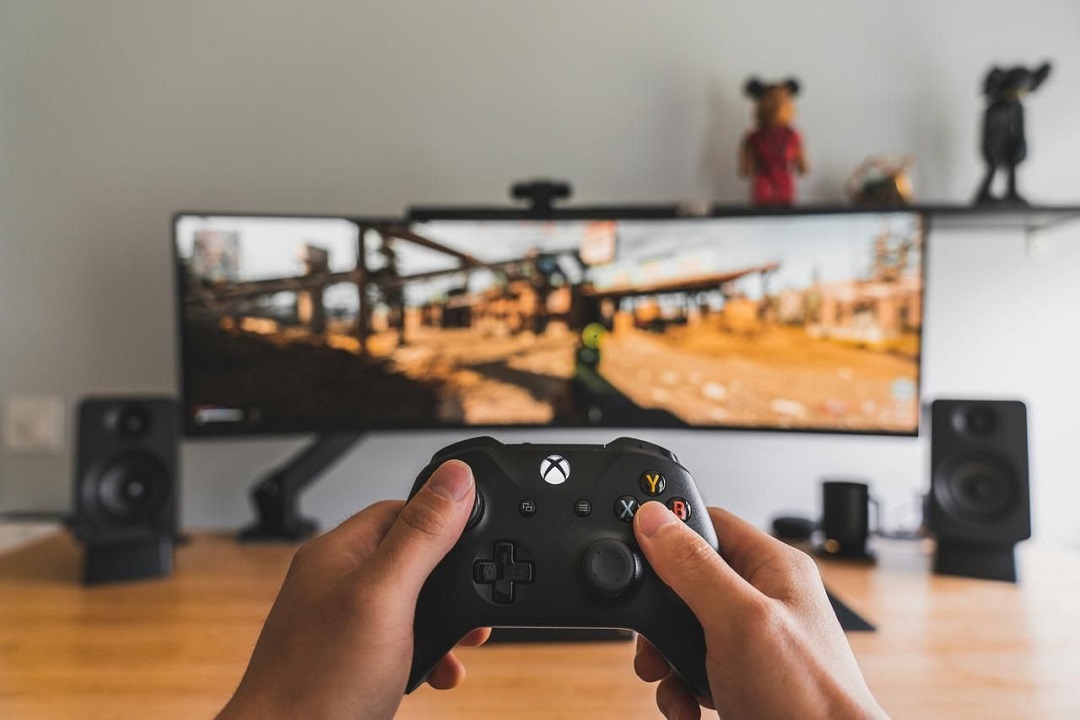
In the global game market, the popularity of Xbox continues to rise, and more and more players are keen to share game highlights through live broadcasts. Whether you are a novice amateur player or an experienced professional anchor, high-quality images and smooth experience are the key to stand out in live broadcasts. Among the many factors that affect the quality of live broadcasts, Xbox capture cards are the core equipment to improve the live broadcast experience.
Demand surge: The current popularity of Xbox game streaming
With popular Xbox games such as "Halo" and "Forza" sweeping the world, more and more players are joining the Xbox streaming field, which has also boosted the streaming equipment market, especially Xbox capture cards. Streaming is not only a stage to show game skills, but also a platform for interacting with viewers and other players. At a time when viewers are increasingly demanding on live broadcast quality and smoothness, capture cards have become a must-have artifact for Xbox anchors.
Core equipment: The key role of capture cards in Xbox streaming
If you want to do your job well, you must first sharpen your tools. To broadcast live on Xbox, you need an Xbox console, a stable network, a microphone, and a capture card. The capture card is responsible for digitizing the audio and video signals output by the console and transmitting them to the computer in real time to ensure a live broadcast without delay or quality loss. Different models of Xbox consoles are compatible with different capture cards: Xbox Series X supports 4K 60fps games and requires a capture card that can process high-resolution videos to achieve 4K ultra-clear live broadcasts; Xbox Series S focuses on 1440p and 1080p games, and you can get clear and smooth images by choosing a capture card with the corresponding resolution; while Xbox One and Xbox 360 are compatible with capture cards that support 1080p 30fps and 720p/1080p output, respectively.
Practical Guide: Xbox Capture Card Setup Process
To start broadcasting smoothly, setting up the capture card correctly is the key. Here are the detailed steps:
1、Equipment preparation: Prepare an Xbox console (Series X, Series S, or Xbox One), a reliable capture card, a computer or laptop, two HDMI cables, a USB cable (usually included with the capture card), and streaming software such as OBS Studio or Streamlabs OBS.
2、Device connection: Use an HDMI cable to connect the Xbox's HDMI OUT port to the capture card's HDMI IN port, and then use another HDMI cable to connect the capture card's HDMI OUT port to a monitor or TV; finally, connect the capture card to the computer's USB 3.0 port via a USB cable.
3、Software setup: Download and install the live broadcast software, adjust the video resolution to match the capture card's performance in the settings, select the capture card as the audio input device, and log in to the live broadcast platform account.
4、Input source and audio settings: Add a video capture device in the "Source" panel of OBS, select the capture card as the input source and configure the resolution and frame rate; set the capture card audio in the audio mixer. If you use an external microphone, you need to add and balance the volume.
5、Test and broadcast: First record a test video to check the picture and audio effects. After confirming that they are correct, click "Start Live Broadcast". You can also use the second screen to monitor the live broadcast status and interact with the audience in real time.
Product recommendation: VS009 capture card, open the ultimate live broadcast experience
For Xbox players who pursue excellent live broadcast effects, the VS009 video capture card is the best choice. It can present 4K resolution images at a frame rate of 60fps, and it can easily stream both Xbox Series X and Series S, and can achieve ultra-low latency and smooth live broadcast. In addition, VS009 integrates Xbox live broadcast function, simplifies the setting process, and allows anchors to easily stream game images to platforms such as Twitch and YouTube, bringing a clear and shocking visual feast to the audience.
With the continued hot sales of Xbox Series X and Series S, the demand for high-quality game live broadcasts is growing. Having a suitable high-quality capture card is the key to improving the quality of Xbox live broadcasts. It not only allows the game screen to be presented in the best state, but also can firmly grasp the audience's attention with smooth and delay-free live broadcast performance, helping you shine on the stage of game live broadcasts.