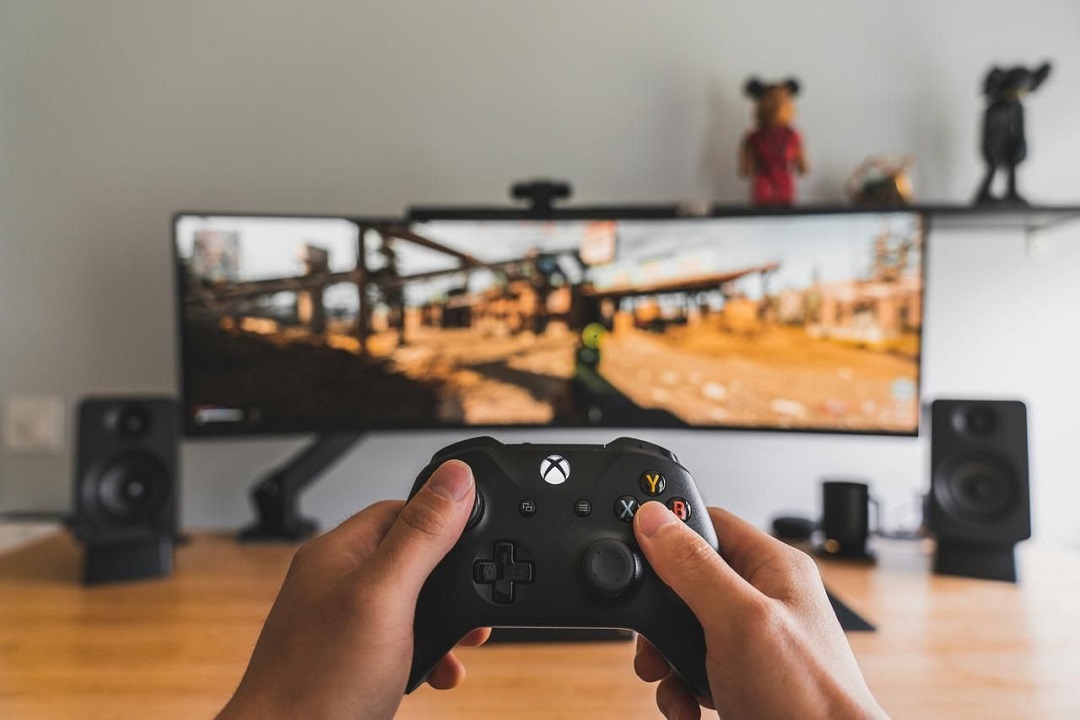
In the highly competitive field of live broadcasting and content creation, an adaptive tool is often the key to standing out. As a bridge connecting game consoles, cameras and computers, USB capture cards provide gamers and creators with a smooth video capture solution. Whether it is live broadcasting on platforms such as YouTube and Twitch, or recording exciting moments of games, high-quality capture cards can significantly improve the level of content production.
Say goodbye to old and embrace upgrades: Why do you need to replace your capture card?
Still using outdated USB 2.0 capture cards? This type of capture card has slow data transmission, which not only causes obvious delays, but also frequently drops frames. Faced with professional functions such as 4K pass-through, HDR support, and built-in mixing, USB 2.0 capture cards are even more powerless and difficult to meet the needs of professional live broadcasting and content creation. At present, choosing a USB 3.0 video capture card or an HDMI to USB capture card can not only achieve better performance, but also be perfectly compatible with modern devices such as PS5 and Xbox Series X/S, bringing a qualitative leap in the creative experience.
In-depth analysis: Performance differences between different USB standard capture cards
USB 2.0 capture card: limitations and applicable scenarios of entry-level choice
1. Transfer rate: The maximum data transfer rate is only 480 Mbps (60 MB/s).
2. Performance bottleneck: It is difficult to handle video capture with 1080p@60fps or 4K resolution, and compression and frame loss problems occur frequently, with obvious delays.
3. Applicable scenarios: Suitable for basic video capture tasks with resolutions of 720p and below, suitable for users with limited budgets or using old devices, but cannot meet modern high-performance requirements.
USB 3.0 capture card: All-round performance of the king of cost-effectiveness
1. Transfer rate: Up to 5 Gbps (640 MB/s), more than 10 times that of USB 2.0.
2. Performance advantages: Supports uncompressed 1080p@60fps video capture and 4K pass-through for high-quality streaming and recording; low latency, especially suitable for real-time game live broadcast and professional content creation.
3. Applicable scenarios: deeply loved by gamers and creators who pursue high-definition quality, adapted to modern game platforms such as PS5, Xbox Series X, Nintendo Switch, and works well with live broadcast tools such as OBS Studio, with affordable prices and practical functions.
USB 3.1 (Gen 1 and Gen 2) capture card: the performance choice for professional creation
1. Transfer rate: Gen 1 is 5 Gbps, Gen 2 is upgraded to 10 Gbps, doubling the speed.
2. Core advantages: Perfect support for 4K@60fps recording and HDR video capture, presenting ultra-smooth, high-quality pictures; supports multi-stream settings to meet the needs of advanced creators to handle multiple video inputs; backward compatible with USB 3.0 and USB 2.0 devices.
3. Applicable scenarios: Suitable for professional live broadcast, high-end games and multi-camera scenarios, providing stable and reliable performance support for creators, and is an ideal choice for users pursuing cutting-edge functions.
USB 3.2 and USB4 capture cards: emerging forces for the future
USB 3.2: The transmission rate is up to 20 Gbps, suitable for ultra-high-resolution video capture such as 8K recording, but it is currently in the early stages of application.
USB4: The speed reaches 40 Gbps, designed for ultra-high-definition applications, but there are few related capture cards on the market, which is not a rigid demand for most creators.
Comparison Table of USB Capture Cards
| Feature |
USB 2.0 |
USB 3.0 |
USB 3.1 Gen 1 |
USB 3.1 Gen 2 |
USB 3.2/USB4 |
| Max Speed |
480Mbps (60 MB/s) |
5 Gbps (640 MB/s) |
5 Gbps (640 MB/s) |
10 Gbps (1,280 MB/s) |
20-40 Gbps |
| Video Quality |
720p/Compressed 1080p |
Uncompressed 1080p, 4K passthrough |
Same as USB 3.0 |
4K@60fps, HDR support |
8K potential |
| Latency |
High |
Low |
Low |
Extremely low |
Ultra-low |
| Compatibility |
Universal |
Modern devices |
Modern devices |
High-performance setups |
Limited adoption |
| Use Case |
Basic tasks |
Gamers, creators |
Advanced creators |
Professional use |
Future applications |
Purchase Guide: How to choose an appropriate HDMI to USB capture card
When choosing an HDMI to USB capture card, you need to focus on the following core functions based on your own needs:
Resolution and frame rate: Give priority to capture cards that support 1080p@60fps or 4K pass-through to ensure clear and smooth images.
Port type: Compared with USB 2.0, USB 3.0 and above capture cards have faster data transmission and better performance.
Low latency: For gamers who pursue real-time feedback, low latency is an essential key indicator.
Compatibility: Confirm that the capture card is seamlessly compatible with Windows, macOS systems, and game consoles such as PS5 and Xbox Series X.
Whether it is an ordinary user who pursues cost-effectiveness or a creator who needs professional performance, you can find a product that suits you in USB capture cards of different standards. Investing in USB 3.0 or USB 3.1 capture cards is a wise choice that takes into account current needs and future development, and can provide solid technical support for your live broadcast and creation.