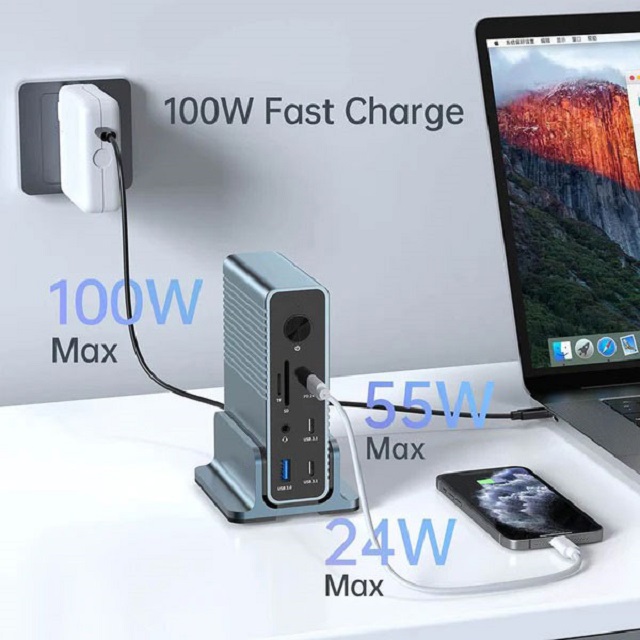
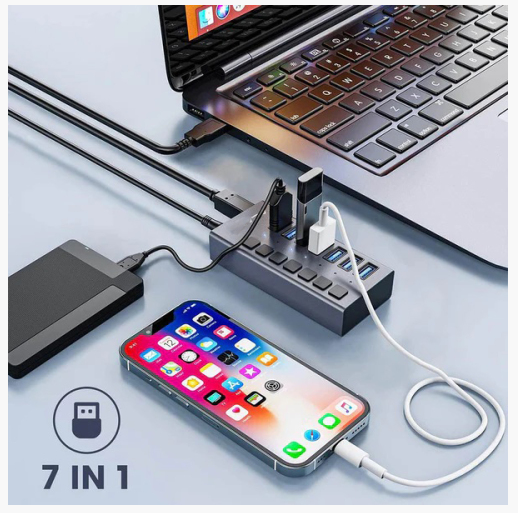
To choose a USB hub that suits you, you need to consider multiple factors such as the number of ports, type, power supply method, bandwidth, and function. The following are specific suggestions:
Number of ports
Daily office: If you only connect a small number of devices such as a mouse, keyboard, and USB flash drive, a USB hub with 4-6 ports is usually sufficient.
Multimedia studio: For users who need to connect multiple devices such as a digital tablet, multiple mobile hard drives, printers, scanners, etc., a hub with 8-10 or even more ports may be required.
Multi-person sharing scenario: In a conference room or multi-person office area, in order to meet the simultaneous use of multiple people, a hub with 12 ports or more can be sele-cted.
Port type
USB-A: It is the most common port type at present. Most traditional USB devices, such as mice, keyboards, and USB flash drives, use USB-A interfaces.
USB-C: It has a smaller size and higher power transmission capability. It also supports high-speed data transmission of USB 3.1 and higher versions. It is suitable for connecting new devices such as mobile phones, tablets, and laptops.
Other special ports: Some hubs may also be equipped with USB Micro-B ports, etc., for connecting specific devices, such as some early mobile phones, mobile hard drives, etc.
Power supply mode
Bus-powered: If the main connection is low-power devices such as mice, keyboards, small flash drives, etc., bus-powered hubs can usually meet the needs.
Active power supply: When you need to connect high-power devices such as external hard drives, printers, scanners, or connect multiple devices at the same time, active-powered hubs are a better choice.
Bandwidth requirements
USB 2.0: If you only perform some simple data transfers, such as occasional document and photo transfers, USB 2.0 hubs (maximum bandwidth 480Mbps) can usually meet the needs.
USB 3.0 and above: For users who need to frequently transfer large amounts of data, such as high-definition video files, large software installation packages, etc., it is recommended to choose USB 3.0 (bandwidth 5Gbps) or higher USB hubs.
Functional requirements
Charging function: If you need to charge mobile phones, tablets and other devices at the same time, you can choose a USB hub with a dedicated charging port.
Data transfer speed selection: Make sure the hub supports the highest data transfer speed required by the device to achieve optimal performance.
LED indicator: Hubs with LED indicators can easily view power status and data transfer activity, which is helpful for troubleshooting connection problems.
Compatibility
Device compatibility: Make sure the USB hub is compatible with all the devices you plan to connect, including computers, mobile phones, tablets, printers, etc.
Operating system compatibility: Consider compatibility with the operating system you use, such as Windows, macOS, Linux, etc.
Brand and quality
Well-known brands: Choose USB hubs from well-known brands such as UGREEN, PISEN, Lenovo, etc. These brands are usually more guaranteed in terms of product quality, performance and after-sales service.
User reviews: You can understand the actual use and advantages and disadvantages of the product by checking user reviews on online shopping platforms and evaluation results on professional evaluation websites.
Special needs
Portability: If you often need to carry a USB hub for use outside, such as in mobile office or travel, you can choose a small and lightweight portable hub.
Durability: In industrial environments or frequent use scenarios, you need to choose a USB hub with a sturdy shell and durable interface to ensure long-term stable use.