The Importance of USB C Hubs
USB C hubs play a key role in expanding the number of laptop ports. As laptops become increasingly powerful and efficient, multifunctional USB C hubs are ideal for accessing additional ports that may be missing on some laptops.
Power Requirements and Hub Types
USB C hubs are divided into two main categories: active hubs and passive hubs. Active hubs come with an adapter and do not rely on device power, while passive hubs draw power from the laptop battery. Each device plugged into a passive hub will share the maximum load.
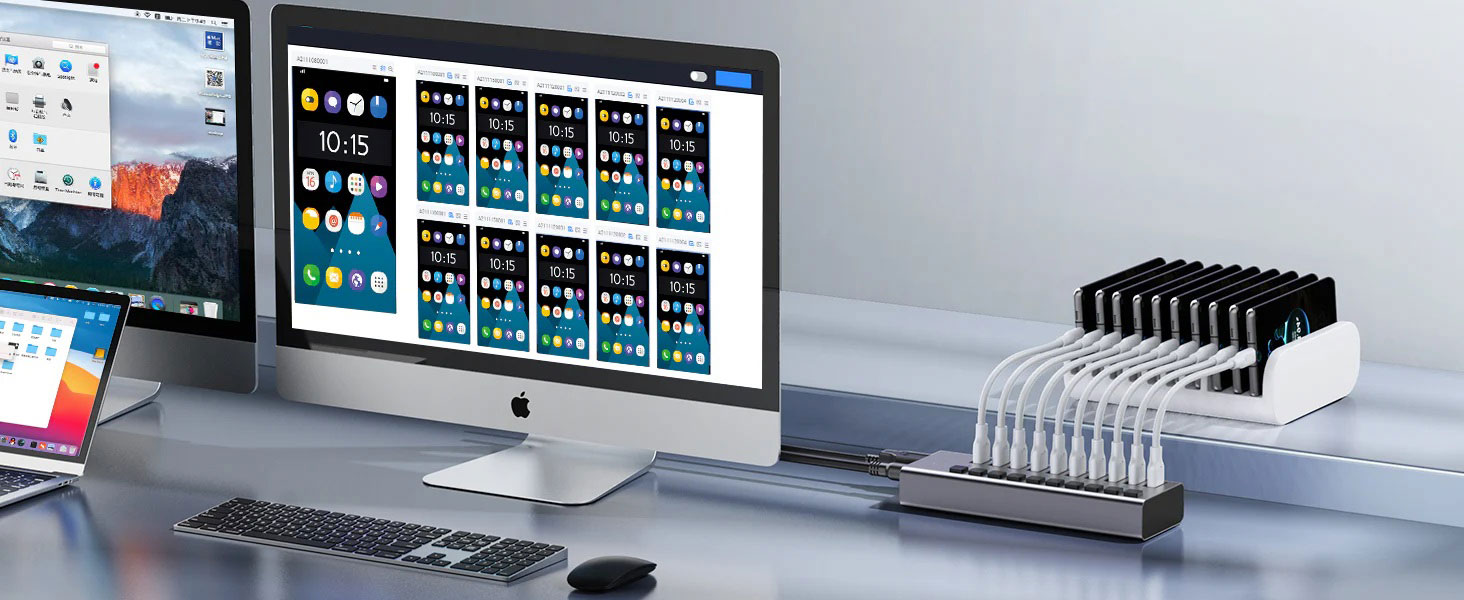
Active hubs: Each USB port provides sufficient power to support external device operation. More ports and connection options are provided, and more powerful.
Passive hubs: The power of a single USB port is distributed to all ports, usually limited to a few ports, and more affordable.
Power Management and Selection Tips
Powered hubs are more expensive because they can connect multiple devices; passive hubs are more economical because of their limited power and port options. When choosing, if you only need to simply connect peripherals such as a mouse, keyboard, or flash drive, a passive hub may be sufficient. If you need to run devices that exceed the voltage limit, an active hub is a better choice.
The impact of unpowered USB C hubs
Using an unpowered USB hub will affect the battery life of your laptop. If the laptop is connected to a power source, the battery charge may decrease; if it is not charged, the battery may drain faster. In addition, peripherals connected to the hub will also consume power, accelerating battery consumption and possibly shortening battery life. Laptop ports have limited bandwidth, and when a multi-port hub is connected, the bandwidth will be divided, which may affect data transfer speeds.
How to optimize power management
Choose a powered hub: Reduce the reliance on the laptop battery to power connected devices.
Energy-saving peripherals: Choose devices with lower energy consumption.
Disconnect unused devices: Minimize unnecessary power consumption.
Reduce the number of connected devices: Connect only necessary devices.
Control power usage: Keep an eye on the power consumption of connected devices.
Charge regularly: Make sure your laptop is fully charged before use.
For office workers, the Purplelec 12-in-1 USB C Hub is an ideal choice. It integrates USB C, USB A, HDMI, VGA, RJ45, 3.5mm audio/microphone, SD card reader and Micro SD card slot in one, supports simultaneous charging and expansion ports, and provides rich connection options. Although it does not support the fastest 10Gbps data transfer, speeds of up to 5Gbps can still meet most needs. Supports 4K 60Hz video resolution and can connect two displays to optimize visual effects. Provides up to 100 watts of power to charge laptops and other devices at the same time. The built-in USB C cable can be used as a carrying handle for easy carrying. But please note that it does not support the latest port standards such as Thunderbolt 3/4 or USB4.
Conclusion
A plug-and-play laptop hub can improve efficiency and optimize workflow, but be aware of battery consumption. It is recommended to plug high-power devices into a powered hub, or purchase an active USB-C hub that meets daily needs to maintain connection options. Active hubs provide stable and powerful power capacity to support almost all peripheral connections and ensure smooth operation.