If you are considering purchasing an SSD portable hard drive, it is crucial to understand some basic knowledge before making a purchase. This guide will provide you with all the necessary information to help beginners make informed decisions, covering the basics of SSDs, the differences between internal and external SSDs, various types of SSDs, and other key factors to consider when purchasing a portable SSD.
What is an SSD?
An SSD, or Solid State Drive, is a storage device that uses NAND-based flash memory to store data. Unlike traditional hard drives (HDDs) that rely on spinning disks, SSDs have no moving parts, making them faster, more durable, and less prone to mechanical failures. By using an SSD portable hard drive, you will benefit from faster read and write speeds, shorter boot times, and better overall system performance.
What Are the Different Types of SSDs?
There are various types of solid-state drives (SSDs) available on the market. Understanding the differences between them will help you make an informed decision. When purchasing a solid-state drive (SSD), the first step is to determine which specifications are suitable for your system. SSDs come in a variety of shapes and sizes.
SSD Size Specifications
2.5-inch: This is the most popular type and is suitable for most laptops and desktops. It is similar to traditional hard drives (HDDs) and connects via a SATA cable, making it very convenient to use.
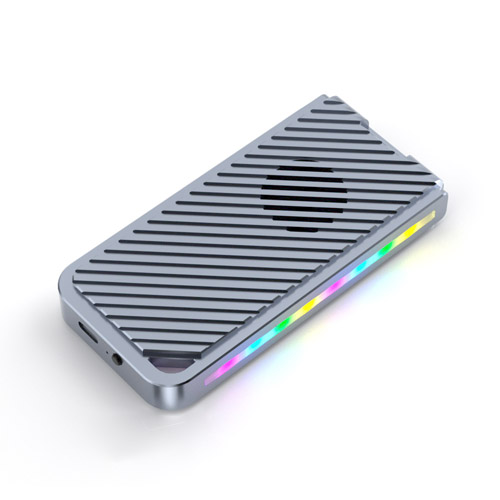
M.2: M.2 SSDs are the preferred choice for slim and portable computers. These compact solid-state drives resemble chewing gum in shape and can be easily installed onto the motherboard. They come in different lengths and offer varying storage capacities based on their size.
Micro SATA (mSATA): mSATA SSDs are miniature versions of full-sized SATA hard drives. Although they share the same compact form factor as M.2 drives, they are not interchangeable. M.2 supports both SATA and PCIe interfaces, while mSATA only supports SATA, making it ideal for systems with limited space.
PCIe Add-in Card (AIC) SSDs: Add-in card (AIC) SSDs resemble PCIe expansion cards and utilize the PCIe interface (AHCI or NVMe), enabling faster performance compared to SATA SSDs. They are easy to install in available PCIe slots and are suitable for high-performance systems. However, they are typically more expensive, may require additional cooling systems, and can occupy valuable PCIe slots needed for other components.
U.2: U.2 SSDs are similar to 2.5-inch hard drives but are slightly thicker. They use a different connection method and transfer data via PCIe. U.2 SSDs are commonly used in high-end workstations, servers, and enterprise applications. Compared to M.2 drives, they support larger storage capacities and better heat dissipation performance.
Communication Interfaces
There are two types of communication interfaces through which computer components communicate with a PC: SATA and PCIe NVMe.
SATA Interface: More affordable and common, it provides good performance for everyday applications.
PCIe NVMe Interface: PCIe is the standard interface for NVMe and is three to ten times faster than SATA SSDs. In recent years, most high-end M.2 SSDs have supported NVMe (although not all M.2 drives support NVMe; some are SATA). NVMe is faster because it offers higher bandwidth than SATA, enhancing the performance of high-load production applications. If your daily tasks involve heavy work, such as video editing and large file transfers, NVMe SSDs are a good choice.
How Long Does an SSD Drive Last?
The lifespan of an SSD drive depends on various factors, such as the quality of the drive, usage patterns, and the type of NAND flash memory used. SSDs have a limited number of write/erase cycles, meaning they can only be written and erased a certain number of times before their performance begins to decline.
One way to measure the lifespan of an SSD is to look at its Terabytes Written (TBW) or Drive Writes Per Day (DWPD). TBW refers to the total amount of data that can be written to the drive over its lifespan, while DWPD is a standardized metric that indicates how many times the entire capacity of the drive can be written per day over its warranty period.
Typically, consumer-grade SSDs have a lifespan of 3 to 5 years or more, depending on usage. High-quality SSDs with higher endurance ratings can last even longer. To extend the lifespan of a solid-state drive (SSD), it is important to manage its usage, avoid frequent high-capacity writes and erasures, and ensure that the drive's firmware is kept up to date.
However, it should be noted that most users will not reach the lifespan limit of a solid-state drive (SSD) during the warranty period. For everyday computing tasks such as browsing, document editing, and multimedia consumption, SSDs should provide reliable performance for several years. Regular backups and drive monitoring can help ensure data integrity and the long-term health of the drive.
Can I Use an SSD as a Portable Hard Drive?
Yes, SSDs can be used as portable hard drives. In fact, SSD portable hard drives are becoming increasingly popular due to their speed, durability, and compact design. They are ideal for professionals who need to transfer large files quickly or for users who want to securely back up their data.
What is a Portable SSD and How Does It Work?
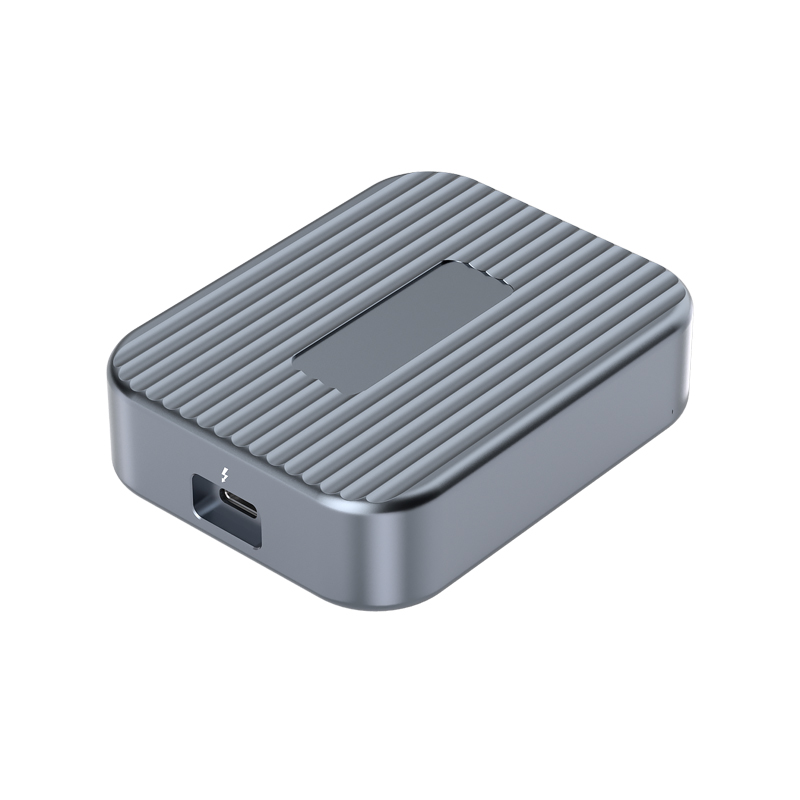
A portable solid-state drive (SSD) is a compact and lightweight storage device that utilizes solid-state storage technology. It connects to your computer, laptop, or gaming console via a data cable, allowing you to easily transfer files or back up data. Such drives are perfect for users who are on the go or require a reliable, high-speed storage solution that does not require internal installation.
Are Portable SSD Hard Drives Reliable?
Portable solid-state drives (SSDs) are generally considered more reliable than traditional mechanical hard drives (HDDs) because they have no moving parts. This means they are less prone to mechanical failures and can better withstand physical shocks or damage. Additionally, their faster read and write speeds improve file transfer efficiency and overall system performance.
Are SSD External Hard Drives Better?
SSD external hard drives offer numerous advantages over traditional HDDs, including faster performance, better durability, and a smaller form factor. Although SSD portable hard drives are more expensive, their benefits often outweigh the cost, especially for users who require high-performance storage solutions for professional or personal use.