In the digital age, a high-quality memory card reader serves as a simple yet reliable solution, enabling you to access images on your camera at any time. As laptops become increasingly thinner, the number of SD card slots is on the decline, making memory card readers almost an essential item. Although data transfer can be achieved via USB or wireless connections, to be honest, these methods can often be cumbersome. Directly inserting a memory card is usually far more convenient.
For photography enthusiasts, the process of transferring photos from a camera to a computer can sometimes be extremely frustrating. But don't worry! Memory card readers are about to change the game.
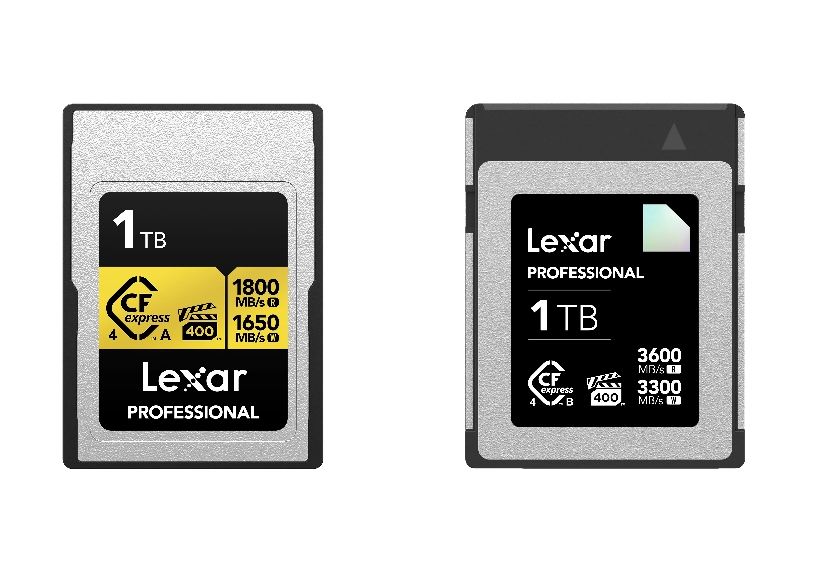
SD and MicroSD cards are the top choices for anyone dealing with digital data. These cards are compact and portable, yet capable of storing a vast amount of information. Available in various formats and storage capacities, they play a crucial role as key components for storing media in personal computers, digital cameras (such as GoPro and DJI OSMO), action cameras, dash cams, security cameras, and other devices that support memory cards.
However, the fact that different devices use different card formats can make things a bit tricky. Fortunately, most modern memory card readers are reasonably priced and can handle a wide range of card types. Moreover, they allow you to easily transfer and access digital files across different devices. So, if you're looking for a straightforward way to transfer photos from your camera to your computer, a memory card reader is definitely worth considering.
Factors to Consider When Choosing an SD/MicroSD Card Reader
When selecting an SD or MicroSD card reader, you need to take multiple factors into account to find the one that best meets your specific requirements.
Transfer Speed
If you frequently need to transfer large files, the speed of the card reader is of utmost importance. Opt for a device equipped with a high-speed interface. The speed depends on two factors: the card's capacity (e.g., UHS-II) and the data transfer protocol (e.g., USB 3.2).
UHS-II is a type of SD card that can reach a maximum speed of 312MB/s. USB 3.2 is an interface type, and depending on the version, its maximum transfer speed can reach 2,500MB/s. However, keep in mind that the actual speed is determined by the slower of the two components. For example, if you pair a UHS-II card with a USB 3.2 Gen 1 card reader, the maximum speed will be 312MB/s, even though USB 3.2 Gen 1 can handle speeds of up to 625MB/s. Therefore, consider the performance of your card and match it with a card reader that can fully leverage its capabilities. Both UHS-II and USB 3.2 are important, but the actual speed will be limited by the slower card reader.
Compatibility
Make sure to confirm that the card reader is compatible with your SD or MicroSD card. Ensure that the device you choose can seamlessly work with your specific card type. Many users have complained about SD card readers being incompatible with their particular types of SD cards. This is usually due to a lack of support for certain card formats or sizes. Although many modern SD card readers are designed to handle different types of SD cards, such as SD, SDHC, and SDXC, compatibility cannot be guaranteed.
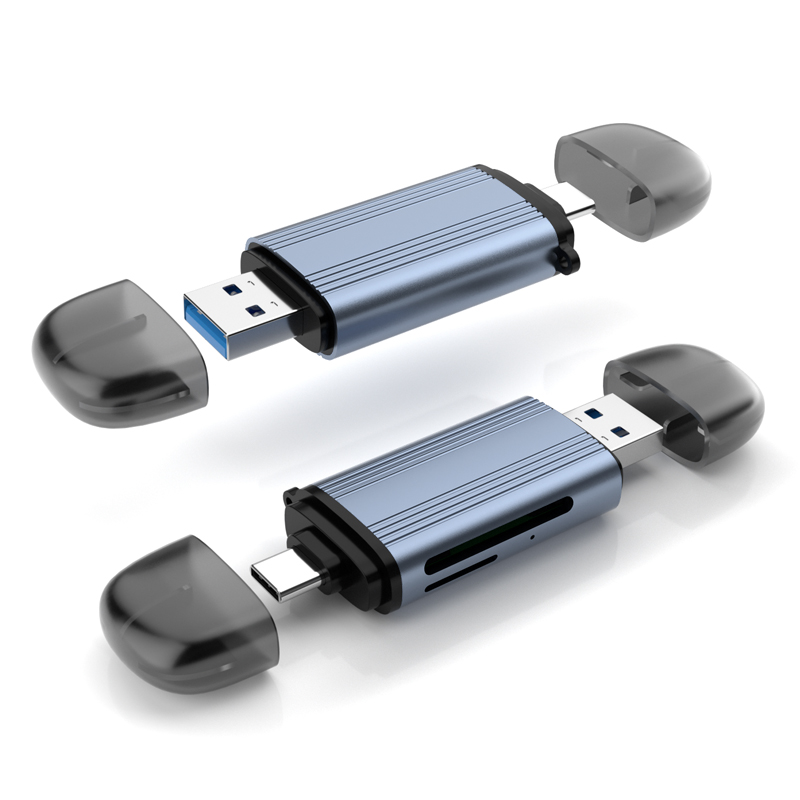
The card slot is also crucial. Multi-slot card readers are very convenient as they can accommodate different types of cards. The quality of a card reader is often reflected in its card slots. Neat pins, appropriate resistance when inserting a card, and a noticeable rebound if inserted incorrectly are all signs of good quality. If you use multiple types of cards, a four-in-one or six-in-one card reader that supports all types will be extremely useful.
Connection Stability
The importance of connection stability in the field of data transfer is often underestimated. A card reader may boast impressive speed, but without a stable connection, these speeds are practically meaningless. Imagine that you're in the process of transferring important files when an unstable connection interrupts the transfer, leading to data corruption. This would be a digital disaster waiting to happen! Therefore, when looking for an SD card reader, it should not only guarantee speed but also ensure a stable, reliable, and uninterrupted connection. By adopting this two-pronged approach, you'll enjoy a seamless data transfer experience. After receiving the card reader, conduct a large file transfer test to verify its stability.
Appearance and Material
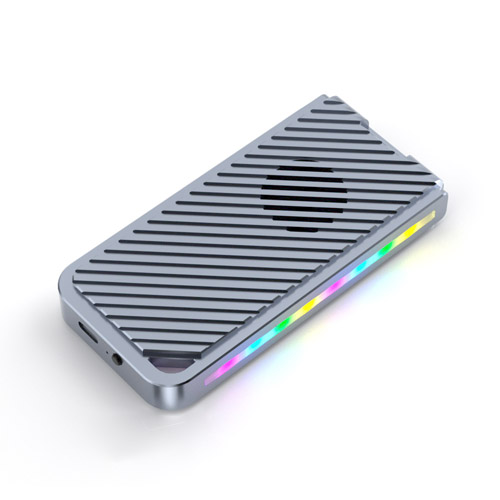
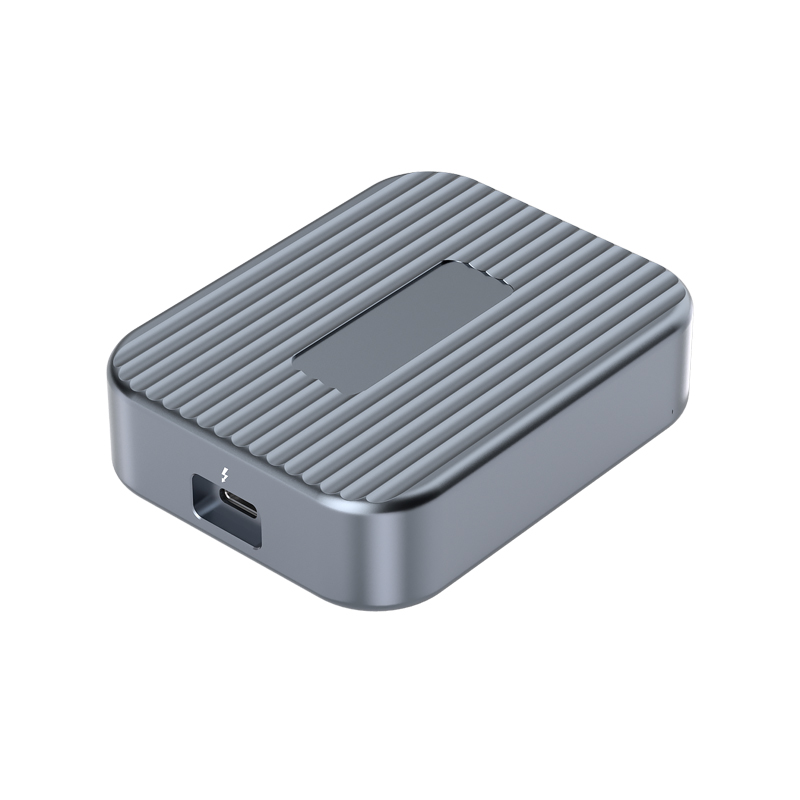
In the long run, choosing a card reader made of high-quality materials, such as aluminum alloy, may be more beneficial. These card readers generally have a longer lifespan than their cheaper counterparts, are more durable, and offer better heat dissipation performance.
Size and Portability
Your usage scenario determines the ideal size of the card reader. If portability is a top priority, a compact device is the best choice. It's lightweight, small in size, and easy to carry around. However, if it's for fixed use, you may prefer a larger and more robust model.
Price
Finally, your budget will undoubtedly influence your choice. The prices of card readers vary widely, ranging from a few dollars to over a hundred dollars, depending on their features and quality. Striking a balance between price and the features that meet your needs is crucial.