
Introduction
In today’s USB 3.2 Gen2-dominated environment, the real dilemma for many users is not whether they need portable storage, but whether they should buy a ready-made external SSD or build a setup using an NVMe SSD plus an SSD Enclosure. The answer is not absolute. Under the same 10Gbps interface class, both solutions often peak at around 1GB/s. What truly separates the experience is usually the controller design, thermal architecture, sustained transfer stability, cache throttling behavior, and whether after-sales service is handled as a complete device or as separate components.
Characteristics of External SSDs
The biggest strength of prebuilt external SSDs lies in their overall integration and refinement. Take the Kingston XS1000 as an example. It is a typical USB 3.2 Gen2 device rated for up to 1,050MB/s read and 1,000MB/s write speeds, with support for both USB Type-C and Type-A connectivity. Samsung’s T9, meanwhile, upgrades the interface to USB 3.2 Gen2x2 and pushes sequential speeds to the 2,000MB/s range while including both Type-C to C and Type-C to A cables in the package. For users, this means the entire solution is already optimized out of the box, including interface compatibility, cables, power delivery, and firmware tuning.
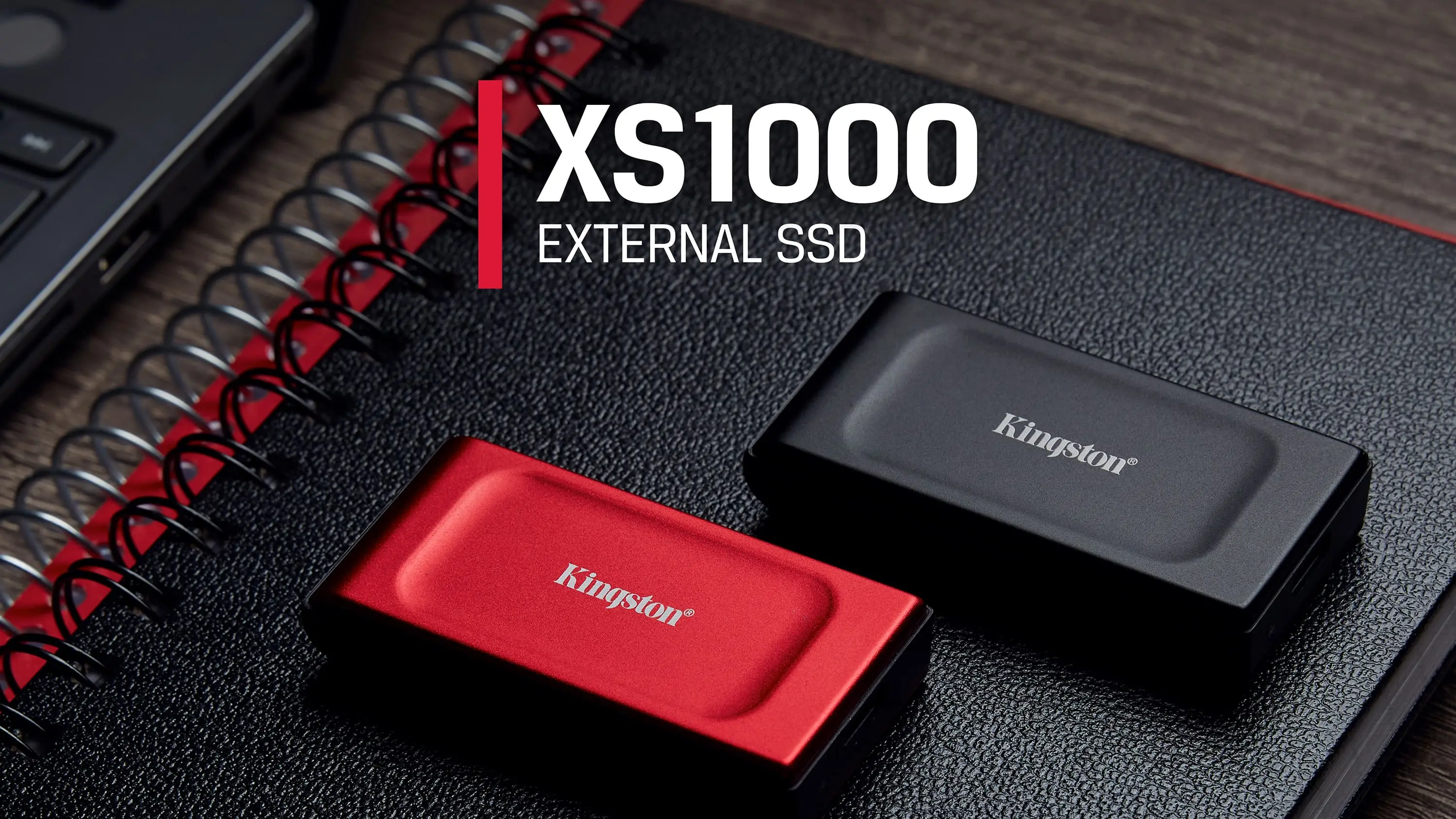
Another advantage is a more mature protection and warranty structure. Samsung’s T7 Shield officially lists USB 3.2 Gen2 support, IP65 protection, 3-meter drop resistance, AES-256 hardware encryption, and a three-year warranty. SanDisk Extreme Portable similarly highlights IP65 protection, up to 1050/1000MB/s performance, USB Type-C compatibility, and 3-meter drop resistance in its product specifications. More importantly, these products are generally covered under unified device-level warranties. Samsung’s portable SSD warranty terms explicitly state that opening the enclosure voids coverage, meaning these devices are not designed as user-upgradable products.
Characteristics of the SSD + Enclosure Approach
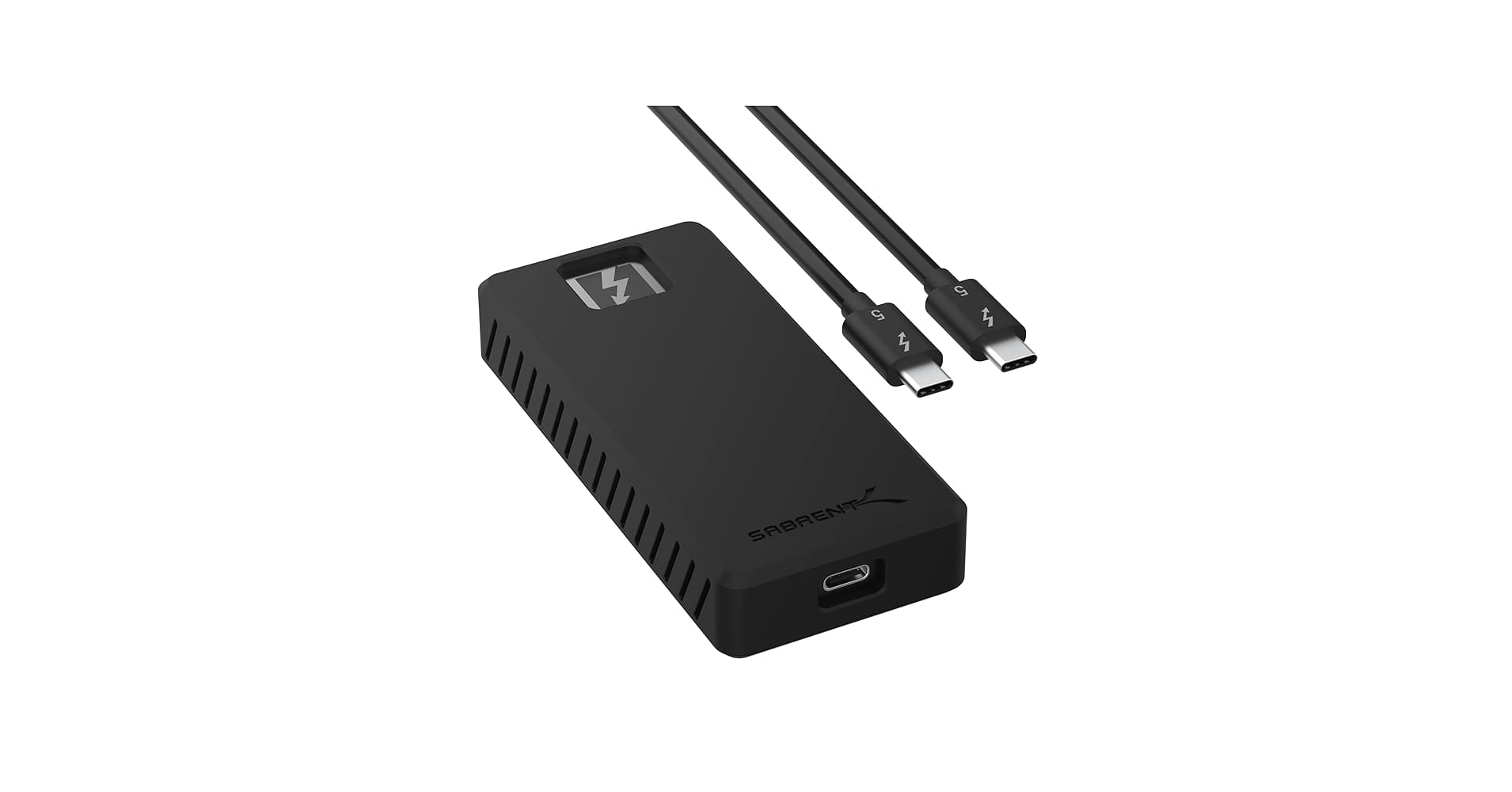
The logic behind an SSD plus enclosure setup is completely different. Instead of buying a fully integrated device, you are essentially purchasing a bridge layer. JMicron’s JMS583, for example, is specifically designed to bridge USB 3.1 Gen2 to PCIe Gen3 x2/NVMe. Products from UGREEN and Plugable openly specify bridge controllers such as RTL9210B or RTL9210, along with support for UASP, TRIM, S.M.A.R.T., and compatibility with 2230 to 2280 SSD sizes. In other words, the enclosure determines the connection layer and compatibility, while the actual experience depends on the bridge controller, SSD controller, NAND type, and thermal design.
The key advantage of this approach is flexibility and reusability. Brands such as Sabrent, UGREEN, and Plugable emphasize tool-free installation, aluminum alloy housings, thermal pads, and heat dissipation structures in their official documentation, indicating that these products are intended as reusable platforms rather than sealed disposable devices. Users can install unused NVMe drives, upgrade storage later by replacing only the SSD, or choose between SATA and NVMe drives, DRAM-equipped SSDs, or HMB-based NVMe models depending on workload requirements. For users who already own spare SSDs, this flexibility itself becomes a major value proposition.
Performance, Cooling, and Stability Comparison
Many discussions focus only on “which one is faster,” but interface bandwidth already defines the ceiling. According to USB-IF specifications, USB 3.2 Gen2 provides 10Gbps bandwidth, while Gen2x2 doubles that to 20Gbps. As a result, products like the Kingston XS1000, Samsung T7 Shield, and most 10Gbps SSD enclosures typically converge around 900MB/s to 1,050MB/s in real-world peak performance. Only when the host system, cable, and device all support USB 3.2 Gen2x2 can drives such as the Samsung T9 reach around 2,000MB/s sequential speeds. For most users, the actual bottleneck is the interface itself rather than the PCIe specifications listed on SSD datasheets.
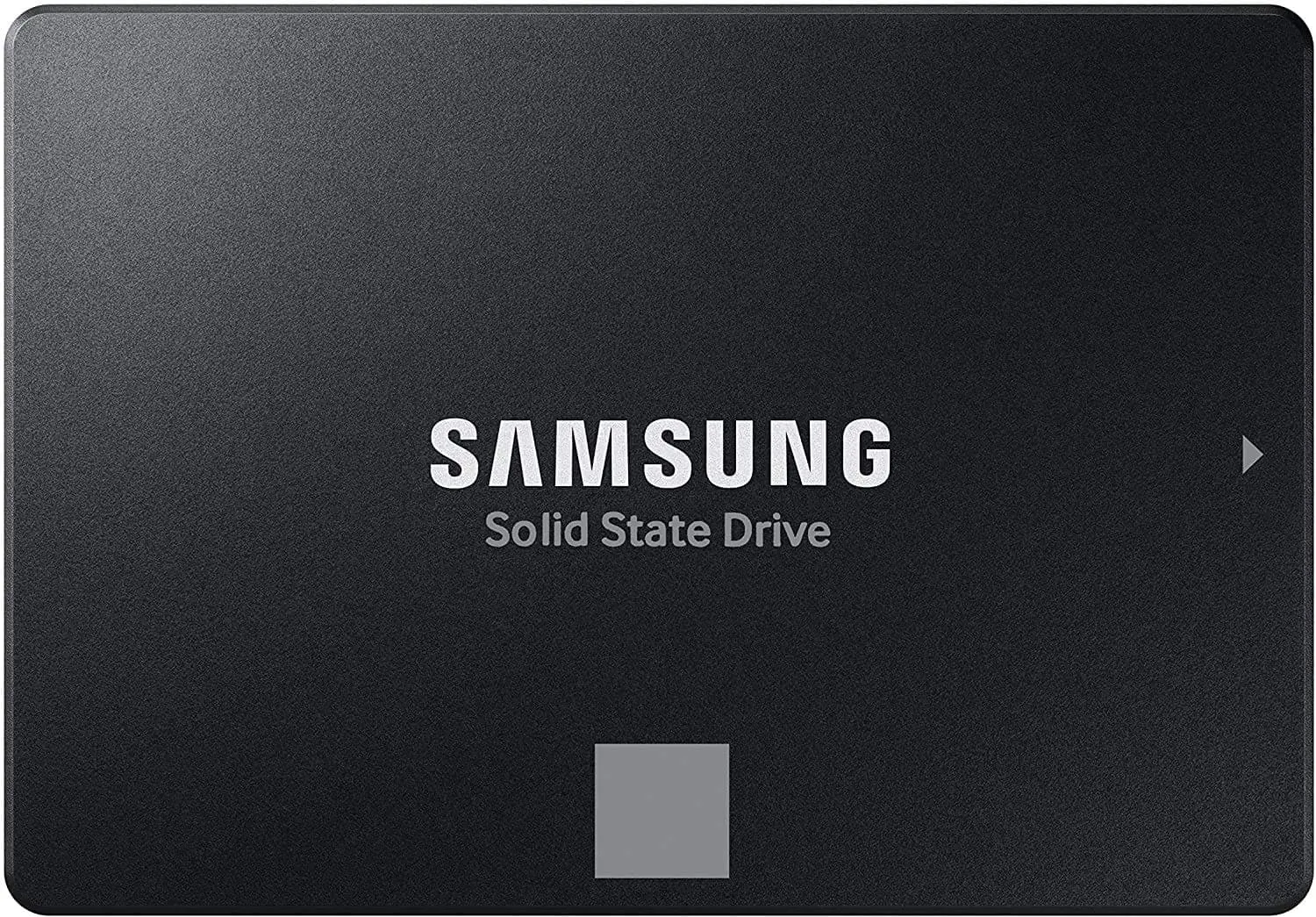
The SSD protocol also significantly impacts real-world performance. If the enclosure contains a SATA SSD, switching the enclosure to Type-C does not eliminate SATA’s own limitations. Samsung’s 870 EVO, for example, is officially rated at 560/530MB/s. NVMe drives such as the WD Blue SN580 can reach 4,150MB/s, while Samsung’s 990 EVO reaches around 5,000/4,200MB/s internally. However, once connected through a 10Gbps USB bridge, the USB link becomes the limiting factor long before the SSD’s PCIe bandwidth is fully utilized. Simply installing a flagship NVMe SSD inside a standard USB 3.2 Gen2 enclosure will not deliver performance proportional to the SSD’s advertised PCIe speeds.
Thermal behavior and sustained transfer stability are where these two solutions diverge most clearly. Samsung explicitly states that the 1TB T7 Shield can maintain over 900MB/s sequential write speeds at 25°C, while the 2TB version can sustain around 1,000MB/s, thanks to its Dynamic Thermal Guard technology. Samsung’s T9 documentation also emphasizes Dynamic Thermal Guard and recommends sufficient airflow under heavy workloads. This demonstrates that mature external SSDs are not simply “an SSD inside a shell,” but fully tuned systems where enclosure design, thermal materials, firmware thresholds, and power management work together.
For enclosure-based solutions, stability depends heavily on bridge controllers and thermal pathways. UGREEN explicitly mentions aluminum housings, thermal pads, and RTL9210B controllers, while Plugable highlights low-profile heatsinks and thermal pads designed to transfer heat from the SSD to the enclosure body to reduce thermal throttling during sustained transfers. Plugable even notes that extremely high-performance NVMe drives with aggressive thermal protection are often unnecessary in 10Gbps USB enclosures because the USB interface itself is already the limiting factor, and excessive heat may actually reduce sustained performance.
Cache throttling should not automatically be blamed on the enclosure either. Samsung’s 870 EVO documentation specifies that after the Intelligent TurboWrite cache is exhausted, write speeds can fall to around 300MB/s on smaller capacities and around 530MB/s on larger models. Samsung’s 990 EVO similarly notes that its sequential write figures rely on Intelligent TurboWrite remaining active within certain transfer sizes. Crucial’s P3 Plus also advertises Dynamic Write Acceleration technology. In other words, when transferring tens or hundreds of gigabytes, speed drops are often caused by the SSD’s own cache strategy and controller design. Ironically, this is where the DIY approach has an advantage: users can deliberately choose SSDs better suited for sustained workloads.
Portability, Expandability, and Cost
In terms of portability, prebuilt external SSDs are generally more elegant. Kingston lists the XS1000 at only 28.7g with dimensions of 69.54 × 32.58 × 13.5mm. Samsung’s T7 Shield weighs 98g, while the T9 weighs 122g. Enclosure-based setups are not necessarily bulky, but their total weight combines both enclosure and SSD. Plugable’s enclosure weighs around 42g, while a WD Blue SN580 2TB SSD weighs just 5.5g, remaining lightweight overall, though the fit and finish may not feel as seamless as a fully integrated external SSD.
On the other hand, the enclosure approach offers far greater expandability. UGREEN states support for 2230, 2242, 2260, and 2280 SSDs up to 8TB. The ability to upgrade storage later by replacing only the SSD is something integrated external SSDs simply cannot offer.
Cost and value should also be evaluated separately. As of May 2026, UGREEN’s 10Gbps NVMe/SATA enclosure is officially priced around $24.99, while Plugable’s 10Gbps NVMe enclosure sells for approximately $22.95. The enclosure itself is relatively inexpensive. If users already own unused M.2 SSDs, DIY solutions are often significantly more cost-effective. However, when building from scratch, total cost depends heavily on SSD choice, and warranty coverage becomes split between enclosure and SSD manufacturers. External SSDs may not always offer the lowest cost per gigabyte, but their unified warranty structures are simpler and clearer.
Which Users Are Better Suited for Each Option?
For workloads such as photo backups, office documents, portable game libraries, or cross-platform file transfers, external SSDs are generally the more practical choice. These products already integrate interfaces, cables, thermal solutions, and firmware tuning into a cohesive package. Products such as the Samsung T7 Shield even provide official specifications for drop resistance, IP65 protection, and sustained high-load write performance, offering greater predictability than DIY solutions.
For users who already own spare NVMe drives, or who specifically care about selecting particular SSD characteristics — such as DRAM-equipped SATA drives for stability, HMB-based NVMe drives for efficiency, or future storage upgrades — the SSD plus enclosure approach becomes much more attractive. It is effectively a solution aimed at users who understand controllers, thermal behavior, and compatibility considerations, and who are willing to manage these details themselves.
Buying Advice: How to Choose an SSD Enclosure
When purchasing a prebuilt external SSD, sequential speed ratings should not be the only consideration. Users should first confirm whether the host system supports USB 3.2 Gen2 or Gen2x2, and whether the included cables match the required specification. Samsung explicitly notes in both T7 Shield and T9 documentation that achieving advertised speeds requires proper host, cable, and interface compatibility. Thermal behavior and sustained write performance specifications are equally important. Products that clearly document Dynamic Thermal Guard behavior, sustained transfer performance, IP ratings, and warranty terms tend to be more trustworthy.
When purchasing an SSD enclosure, the bridge controller and cooling structure are far more important. Models that clearly specify controllers such as RTL9210B, RTL9210, or JMS583, while supporting UASP, TRIM, S.M.A.R.T., 2230-2280 compatibility, thermal pads, and aluminum housings are generally preferable. If the enclosure itself is limited to USB 3.2 Gen2 10Gbps, paying a premium for 7GB/s-class PCIe SSDs often provides little practical benefit. Instead, users should prioritize SSDs with mature thermal behavior, transparent cache strategies, and known endurance characteristics. For sustained large-file transfers, whether the SSD includes DRAM, relies on HMB, or how it performs after cache exhaustion can matter far more than synthetic benchmark scores.
Conclusion
Ultimately, neither solution is universally “better.” The ideal choice depends entirely on workload and priorities. Users seeking simplicity, consistent stability, unified warranties, and mature thermal engineering will generally be better served by external SSDs. Those who value upgradeability, component reuse, and the freedom to choose specific controllers and SSD strategies may find SSD enclosure setups far more flexible.
In today’s predominantly USB 3.2 Gen2 environment, mature external SSDs remain the safer default recommendation for most users. However, for users who already own spare SSDs or who clearly understand their own performance and thermal requirements, SSD enclosure solutions often provide superior value and long-term flexibility.








