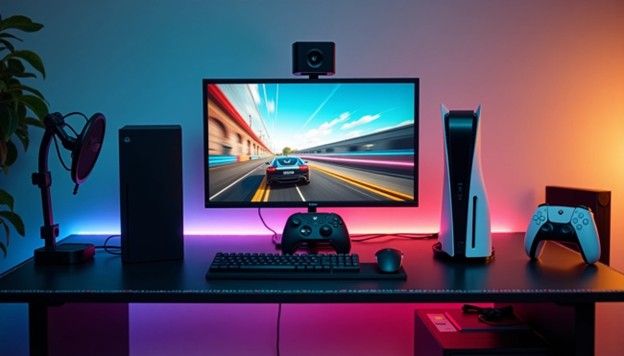
In the realms of live streaming, game recording, film production, and even security monitoring, have you ever wondered how those smooth, high-definition visuals are transmitted from cameras, game consoles, or camcorders to your computer screen? The answer lies in a small piece of hardware—the video capture card. Acting as a "digital bridge," it seamlessly connects video signals between different devices. Today, let's unveil its mysteries!
1. What is a Video Capture Card?
Simply put, a video capture card is a hardware tool that converts analog or digital video signals output by external devices (such as cameras, game consoles, or drones) into digital formats that computers can recognize and process. Whether it's 4K gaming footage, professional camera-shot material, or analog signals from old VHS tapes, it can "capture" and store them on your computer for editing, live streaming, or archiving.
2. Why Do You Need It? Three Core Applications Revealed!
Game Live Streaming and Recording
Want to live stream gameplay from a console (e.g., PS5, Xbox)? A capture card can transmit the game console's video signal to your computer, enabling push streaming to platforms via software like OBS while adding overlays such as webcams and microphones for a more professional broadcast.
Film and Video Post-Production
Signals from professional cameras need to be imported into editing software (e.g., Premiere) via capture cards to avoid quality loss during direct recording, especially critical for high-spec footage like 4K/HDR.
Reviving Signals from Legacy Devices
Want to digitize content from VHS tapes or DVDs? Some capture cards support analog inputs (e.g., AV, S-Video), giving old devices a new lease on life.
3. How Do Capture Cards Work? Three Steps to Signal Transmission!
Signal Input: Connect the source device (e.g., camera) via interfaces like HDMI, SDI, or analog ports.
Encoding Conversion: The capture card digitizes analog signals or compresses digital signals (e.g., H.264 encoding).
Data Output: Transmits processed data to the computer via USB, PCIe, or Thunderbolt for software use.
Pro Tip: External capture cards (USB) are portable, while internal ones (PCIe) offer lower latency, ideal for professional setups.
4. How to Choose a Capture Card? Key Parameters to Consider!
Resolution and Frame Rate: 4K@60fps delivers sharper, smoother visuals than 1080p@30fps but costs more.
Interface Types: Ensure the capture card’s input (e.g., HDMI) matches your source device and its output is compatible with your computer.
Latency Performance: Live streamers should prioritize "low-latency" models to avoid audio-video sync issues.
Additional Features: Hardware encoding (reduces CPU load), multi-device simultaneous capture, etc.
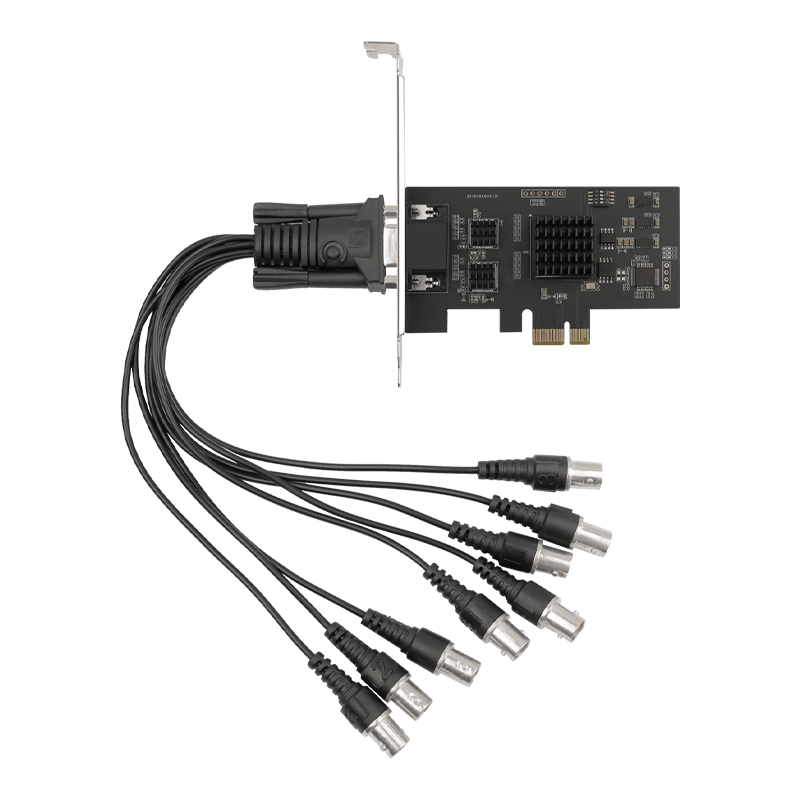
Examples:
Entry-Level: Elgato HD60 S (1080p@60fps, USB 3.0, perfect for game streaming)
Pro-Grade: Blackmagic Design DeckLink 4K Extreme (12G-SDI, supports 8K, a powerhouse for filmmaking)
5. Future Trends: Will Capture Cards Become Obsolete?
With graphics cards integrating video encoding (e.g., NVIDIA NVENC) and consoles supporting direct streaming, will capture cards fade away? Not likely! They remain irreplaceable in scenarios requiring multi-device collaboration, ultra-high-definition recording, or professional color grading. Future cards may shrink in size, go wireless, or integrate AI for real-time background blurring, smart editing, and more.
Conclusion
From a gamer’s epic moves to a filmmaker’s cinematic vision, video capture cards silently drive the creation and sharing of digital content. More than just a gadget for tech enthusiasts, they’re the "magic boxes" connecting reality and virtuality. Next time you marvel at a screen’s brilliance, remember: a capture card might be working tirelessly behind the scenes!