When searching for a laptop dock recently, you may have noticed a wide array of options available on the market. These options not only vary in their port and functionality combinations but also involve some core technologies that can be confusing, such as USB-C, Multi-Stream Transport (MST), DisplayLink, and Thunderbolt. There may be overlaps in core functionalities like power delivery, USB hub ports, and device security features among these options.
It is crucial to ensure that the dock you choose has a fully rated power adapter, as this guarantees that your laptop and peripherals can receive full power continuously, avoiding throttling or sharing. Additionally, using K-Slot lock ports and VESA mounting points to secure peripherals and the dock is also very important. Other features, such as software utility suites, can make managing network security, providing support, and enhancing user experience much easier.
Next, we will discuss the two main types of laptop docks and explore how to maximize compatibility and performance in deployments.
First, compatibility is a key factor to prioritize when selecting a dock. If you are deploying multiple docks at once and wish to standardize on one model, a dock with universal compatibility would be the ideal choice. Such a dock can enable one to four external displays across a wide range of systems, making it perfect for productivity-focused users, especially in mixed environments that include Windows, macOS, and even some ChromeOS devices. When you need a solution for hot-desking, hoteling, or mixed hardware deployments and ecosystems, choosing a dock that offers universal compatibility can ensure hassle-free connections and minimal support requirements.
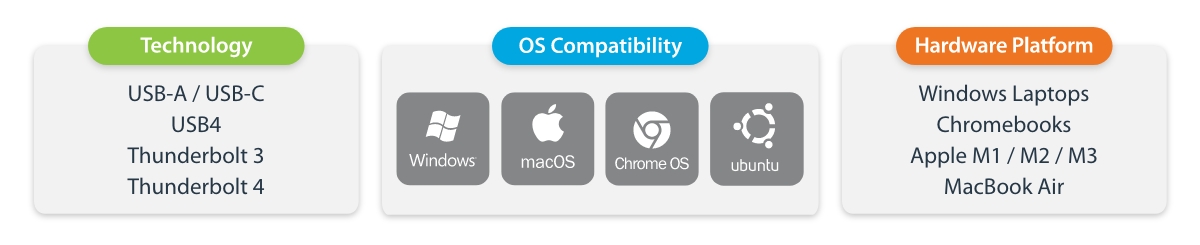
Secondly, video performance is another important factor to consider when selecting a dock. Certain deployments require higher-performance docks, and those based on Multi-Stream Transport (MST), Thunderbolt 3, or Thunderbolt 4 technology are designed for this purpose. These docks can leverage the host system's GPU to provide uncompressed high-performance graphics for advanced users and creators in media production or engineering fields. Performance docks are particularly suitable for high-end users of high-resolution and/or high-refresh-rate displays on high-performance workstation laptops or MacBook Air/MacBook Pro (Apple M-series Pro and Max, MacBook Air M3 chip). Furthermore, these docks can be installed without drivers, allowing users to plug and play directly, reducing the workload for technical support.
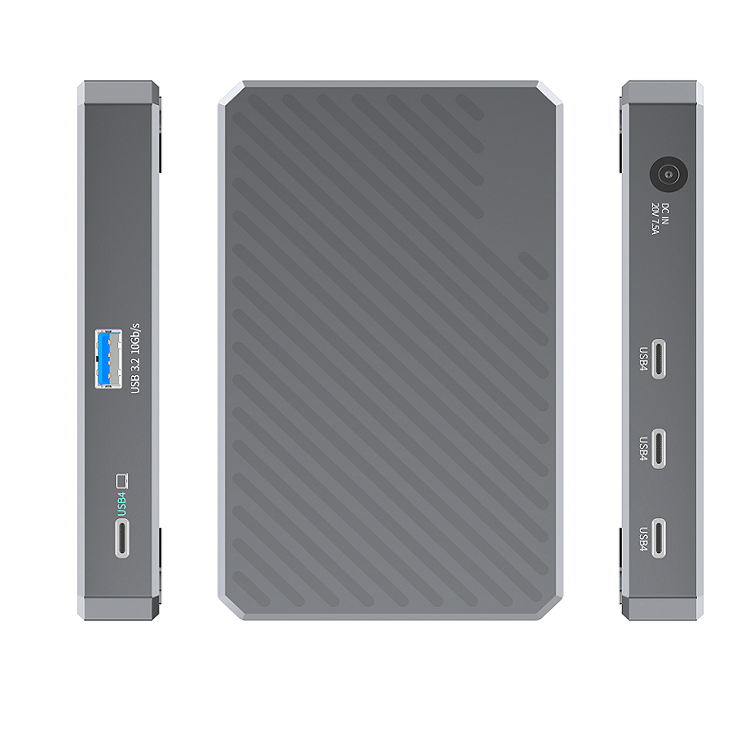
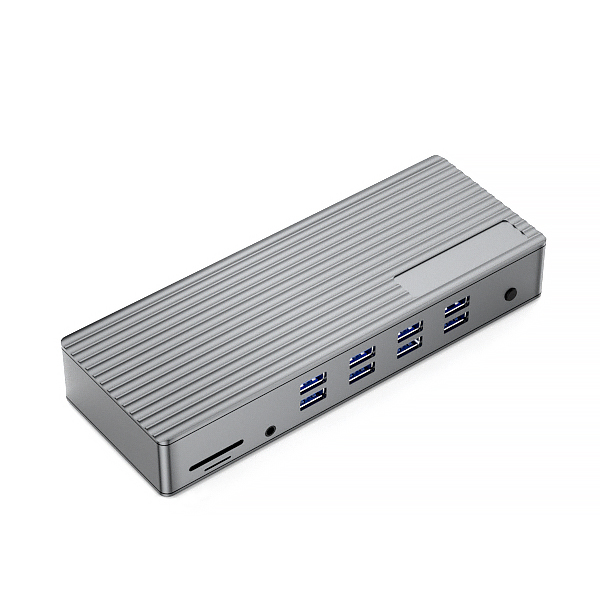
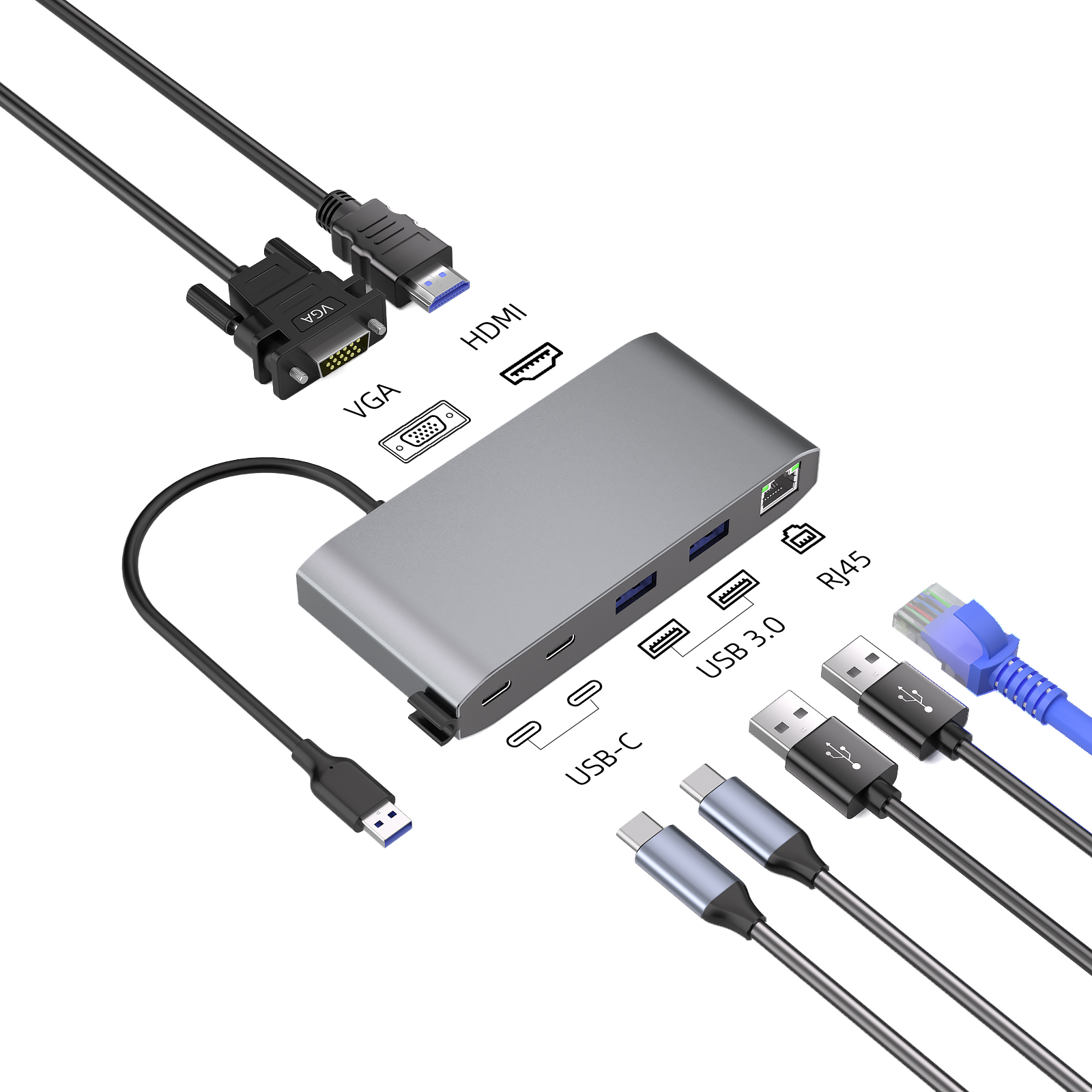
Example Universal Compatibility laptop docking stations:
 |
 |
 |
| USB-C Dock 4K Triple Monitor |
Triple Monitor Docking Station |
USB-C USB-A Dock |
When selecting a performance dock, it is essential to understand the technical capabilities of the host laptop. For example, a Thunderbolt 4 dock can support up to dual 5K 60 displays on Apple M-series Pro or Max or MacBook Air (M3 chip) systems. However, some Chromebooks equipped with Intel's 12th generation or higher processors may work well with Thunderbolt 4 docks, while other Chromebook models may be completely incompatible. For these models, MST-based dock options may be more suitable.
In summary, when choosing a laptop dock, it is important to consider compatibility, video performance, and other functional requirements to ensure you select the dock type that best fits your needs.









