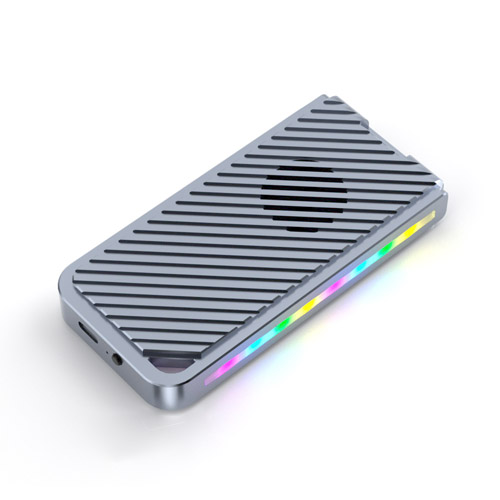
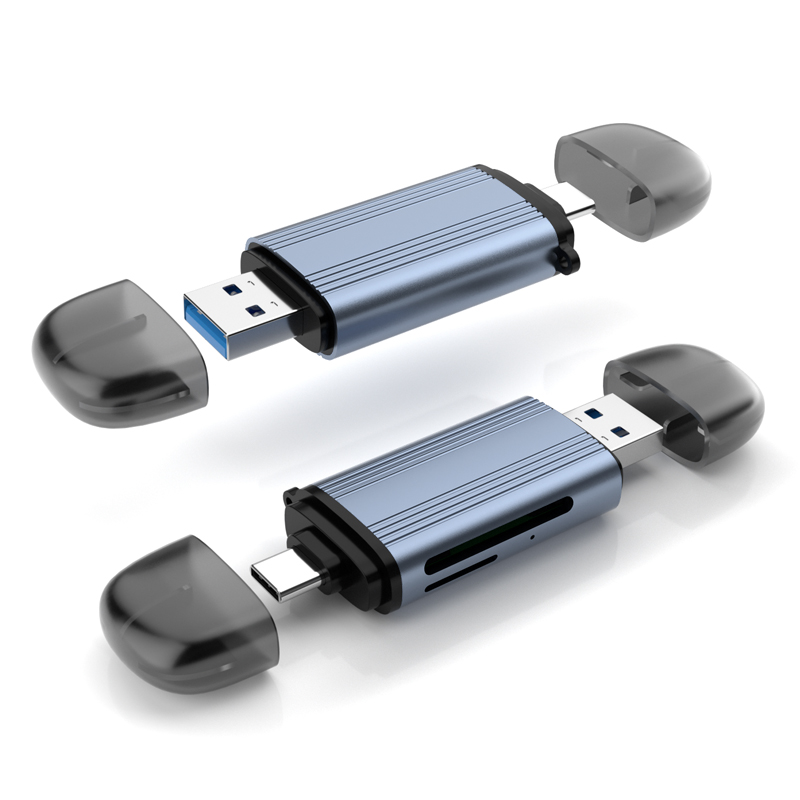
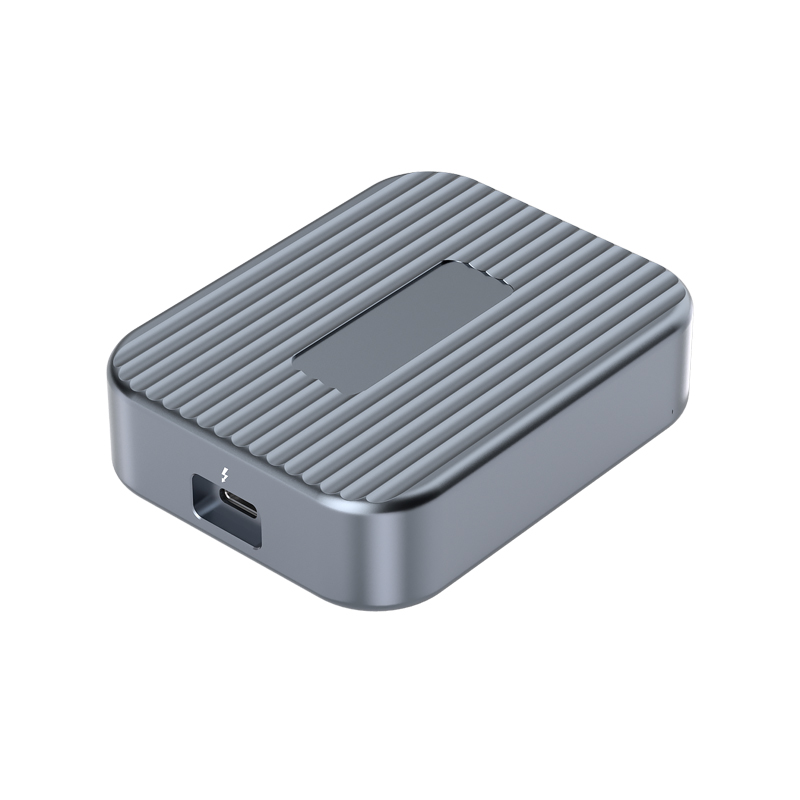
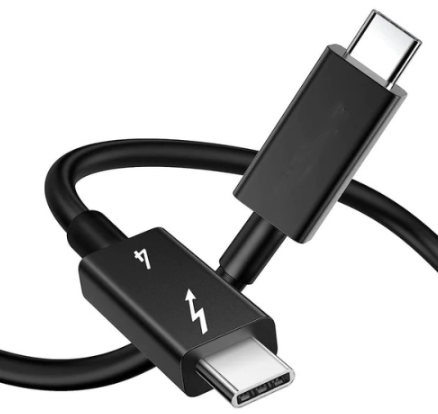

The number of ports, data rates and combination of functions in a docking station or USB hub depend largely on its internal chipset. Models such as GL3510, GL3523, GL3590, VL817 and VL822 handle USB data expansion, while GL850S and FE8.1 provide USB 2.0 connectivity. Docking stations with HDMI, Ethernet, card readers and PD charging also need chips for those functions.
Understanding these chips means matching each model to the requirements: which ones suit 5 Gbps peripheral expansion, which support 10 Gbps data transfer, why USB 2.0 chips still appear in faster docking stations, and why video and charging capabilities cannot be judged by the hub controller alone. The following sections introduce representative models by function and explain the reasoning behind their selection.
- USB Hub Controllers and Other Docking Station Chips
- Common USB Hub Controllers Compared
- Why 5 Gbps Controllers Still Have a Role
- Why 10 Gbps Controllers Suit Faster Data Requirements
- Why Faster Docking Stations Still Use USB 2.0 Chips
- Other Chips Used in Multifunction Docking Stations
- What Else to Check When Assessing a Chip Model
- Frequently Asked Questions About Docking Station Chips
USB Hub Controllers and Other Docking Station Chips
The basic function of a USB hub controller is to expand one upstream USB connection to the computer into multiple downstream connections. A conventional USB hub is designed mainly around this data path. A multifunction docking station combines the USB hub with modules for video conversion, USB Ethernet, card reading and PD control.
This explains why a docking station may use several chips. A USB hub does not necessarily handle HDMI output, and a PD controller does not distribute USB data. Even when a chip integrates some control functions, the data, video and power paths still need to be checked separately to establish what the complete product can do.

Functional diagram of a USB-C docking station using DP Alt Mode. It shows the roles of different chips, not the actual PCB of a specific product.
USB-C describes a connector type; 5 Gbps or 10 Gbps describes a USB data link class; DisplayPort Alt Mode and USB PD concern video and power, respectively. These capabilities can share one connector, but they do not imply one another: a USB-C port does not necessarily support video, and charging support does not establish that the data port supports 10 Gbps. [1, 2]
Common USB Hub Controllers Compared
5 Gbps and 10 Gbps hub controllers suit different data requirements, while USB 2.0 chips serve lower bandwidth connections. The table below groups representative models. The rates shown are link classes; selection also depends on the full part number, port configuration and complete product requirements.
| Chip Model | Main Data Role | Selection Considerations |
|---|---|---|
| Genesys Logic GL3510 | 5 Gbps USB 3.x hub | Basic SuperSpeed USB expansion; check detailed integrated features against the specific version. |
| Genesys Logic GL3523 | 5 Gbps USB 3.x hub | Multiport designs requiring USB 2.0 MTT, integrated voltage regulators and configurable behavior. |
| VIA Labs VL817 | 5 Gbps USB 3.x hub | Designs that consider voltage regulation, charging detection, firmware configuration and concurrent operation of slower devices. |
| Realtek RTS5411 | 5 Gbps, four-port USB 3.0 hub | Four-port data expansion with compatibility for USB 2.0 and USB 1.1 devices. |
| Genesys Logic GL3590 | 10 Gbps USB 3.x hub | Faster storage and mixed USB-A and USB-C port configurations. |
| VIA Labs VL822 | 10 Gbps USB 3.x hub | 10 Gbps multiport expansion; Q8 integrates data multiplexers for the upstream port and two downstream ports. |
| Genesys Logic GL850S | USB 2.0 connectivity | USB 2.0 peripherals such as keyboards and mice, or internal lower bandwidth branches in a docking station. |
| Terminus FE8.1 | Four-port USB 2.0 hub | Designs requiring a separate USB 2.0 branch and compact port expansion. |
Why 5 Gbps Controllers Still Have a Role
5 Gbps solutions suit basic USB 3.x data expansion, including flash drives, portable hard drives and external storage with a rated 5 Gbps interface. For lower bandwidth devices such as keyboards and mice, a faster controller usually does not directly improve their operation. Selection should first meet the requirements of the intended peripherals, then consider supporting circuitry, configuration and implementation of the complete product. [1]
GL3510: Basic SuperSpeed USB Expansion
GL3510 appears in publicly documented USB 3.0 hub and docking station designs. Examples include four-port 5 Gbps USB hubs and multifunction USB-C products that combine it with a USB Ethernet controller. This type of controller provides multiple USB peripherals with 5 Gbps class data connections, while Ethernet or video functions can be handled by separate chips. [3, 4]
When comparing GL3510 designs, check the full part number and supporting circuitry requirements. The GL3510-52 datasheet lists features such as integrated voltage regulators, but those version-specific details cannot be applied indiscriminately to every device marked GL3510. Assess the actual circuitry and configuration, rather than relying on the family name alone. [5]
GL3523: Configurable Functions and Concurrent USB 2.0 Devices
GL3523 supports 5 Gbps USB data expansion, integrates voltage regulators and uses a USB 2.0 multiple transaction translator (MTT) architecture. These features can guide selection when port behavior, product identification or firmware functions need configuration. MTT also has value when multiple USB 2.0 Full-Speed devices operate at the same time. [6]
MTT here mainly concerns transaction handling for USB 2.0 devices; it does not turn a 5 Gbps SSD path into a 10 Gbps path. Port and USB-C configurations also differ between GL3523 and GL3523-S and across packages, so the full model number must be checked. [6]
VL817: Integrated Voltage Regulation and Charging Detection
VL817 is a 5 Gbps class hub controller offered in two-port and four-port configurations. It integrates USB 2.0 MTT, voltage regulators and BC1.2 charging detection. This integration is worth assessing for products that need 5 Gbps data expansion and aim to reduce the corresponding external components. Firmware configuration and update capabilities also help accommodate specific port requirements. [7]
BC1.2 charging detection and USB PD laptop charging are different functions. VL817 can handle USB data and the corresponding charging detection, but its model number alone does not establish how much power a docking station can deliver to a laptop. [7, 1]
RTS5411: Four-Port USB 3.0 Expansion
RTS5411 is a four-port USB 3.0 hub controller with USB 2.0 and USB 1.1 compatibility and an MTT architecture. It is a candidate for designs that need four downstream USB connections and peripherals operating at different rates. Its role is data port expansion and compatibility with older devices, rather than implementing every docking station function on its own. [8]
RTS5411, RTS5411T, RTS5411S and other suffix variants should not be assumed to have identical specifications. Charging, control interfaces and embedded functions require documentation for the corresponding version. The four downstream ports also share an upstream connection, so multiplying the port count by the port rate does not give the bandwidth to the host. [8]
Why 10 Gbps Controllers Suit Faster Data Requirements
GL3590: 10 Gbps and Flexible Port Configurations
GL3590 supports upstream and downstream connections at up to 10 Gbps and allows downstream ports to be configured for Gen1 or Gen2 operation. These capabilities can guide selection for hubs that connect 10 Gbps external SSDs or require combinations of different rates and connector types. [9]
GL3590-S adds integrated USB-C functions, but port types and counts still depend on the version, package and configuration. Distinguish upstream ports, downstream ports and internal connections during selection. The total port count in a specification table does not necessarily equal the number of ports available to users on the finished product. [9]
VL822: Different Integration Options for 10 Gbps Expansion
VL822 supports up to 10 Gbps on both upstream and downstream connections and offers two-port and four-port downstream configurations. VL822-Q8 integrates data multiplexers for the upstream port and two downstream ports. These circuits switch data paths and may reduce external multiplexer requirements and board area in the corresponding USB-C designs. [10]
Q7 and Q5 do not have the same integrated multiplexer configuration; CC control and other USB-C requirements also need supporting components. Selecting VL822 therefore means comparing the actual package, number of USB-C ports and supporting circuitry, rather than recording only a family name. Data multiplexers and BC1.2 support do not establish USB PD capability at 100 W or higher. [10]
A 10 Gbps controller can increase USB data link capacity, but the computer, cable and peripherals must all support the corresponding rate. When several ports connect to the same hub, data sent to the computer still travels over a shared upstream link. Each port establishing a 10 Gbps connection does not mean that four ports can deliver 40 Gbps of throughput to the computer simultaneously. [1, 10]

Shared upstream link diagram. The rated link speed is neither bandwidth dedicated to each device nor a measured file transfer result.
Why Faster Docking Stations Still Use USB 2.0 Chips
The ports in a docking station do not all need the same data rate. Faster storage uses 5 Gbps or 10 Gbps data paths, while keyboards, mice, receivers and some internal control devices can use USB 2.0 connections. A separate USB 2.0 hub may be useful when additional USB 2.0 ports or internal device connections are needed.
GL850S: USB 2.0 Connectivity
GL850S appears in publicly documented USB 2.0 hub product configurations, including four-port products with a listed bus rate of 480 Mbps. It suits a USB 2.0 functional branch serving the relevant peripherals. Faster storage should connect through the faster data path provided in the product design. [11]
FE8.1: A Compact Four-Port USB 2.0 Solution
FE8.1 is a four-port USB 2.0 hub with a single transaction translator (Single TT) and integrated voltage regulation and reset circuitry. This type of integrated solution is a candidate when lower bandwidth ports need expansion and the corresponding external component count needs to be reduced. Its downstream ports share one TT, so concurrent operation of multiple Full-Speed or Low-Speed devices still needs to be assessed against the actual workload. [12]
An additional USB 2.0 chip is not necessary in every docking station; faster hubs usually already support USB 2.0. A separate branch depends on port count and internal connection requirements. Connecting one USB 2.0 device does not, by itself, mean that the other USB 3.x ports will fall to 480 Mbps. [7, 10]
Other Chips Used in Multifunction Docking Stations
The USB hub establishes the basic structure for data expansion. Video, PD, Ethernet and card reading require the corresponding chips or integrated modules. The table below lists representative options, the problems they address and their selection conditions.
| Function and Representative Chips | Main Role | Selection Reasons and Conditions to Check |
|---|---|---|
| Video conversion: PS176 / PS186 | Convert DisplayPort video to HDMI | Select according to host DP capability and lane allocation; PS186 supports a two-lane 4K60 design when the required DSC conditions are met. |
| PD control: VL103 / VL103R | Coordinate USB-C power negotiation and DP Alt Mode | Suit video and charging pass-through combinations; check the specific PD revision, firmware and power circuitry. |
| Ethernet: RTL8153B / RTL8156B | Support Gigabit Ethernet and 2.5GbE, respectively | Select according to local network requirements; the USB upstream link, drivers and network equipment jointly determine actual performance. |
| Card reading: GL3224 / GL3231S | Support UHS-I and UHS-II card reading, respectively | Match the intended memory card; the USB rate is not the card bus rate or measured file read speed. |
Video chip selection often depends on USB-C lane allocation. PS176 uses four HBR2 DisplayPort lanes for 4K60 output at 4:4:4 and 24 bpp. When the host supports HBR3 and DSC and the other required conditions are met, PS186 can use two DP lanes for 4K60 at 4:4:4 and 24 bpp (8 bpc), leaving the corresponding high-speed lanes available for USB 3.x. The reason to select the latter is to meet this combination of video and SuperSpeed USB requirements; it does not guarantee the same combination on every USB-C computer. [13, 14, 2]
The VL103 family provides PD control and DP Alt Mode coordination in USB-C video adapters and multifunction docking stations. VL103R-Q4 is also a specific part number listed on the manufacturer's website, but the R suffix alone does not establish higher performance. The PD controller handles negotiation and control. Power delivered to the computer also depends on the adapter, power components, cable and overall power budget; input power cannot simply be treated as the laptop charging power. [15]
Ethernet can be selected according to the intended local network. RTL8153B-VB-CG supports Gigabit Ethernet, while RTL8156BG-CG and RTL8156BSG-CG support 2.5GbE. A 2.5GbE chip is useful when paired with the corresponding switch, NAS or local network. It does not automatically increase the speed of an internet service plan, and the load from storage and other devices sharing the USB upstream link must also be considered. [16, 17]
Card reading also requires a distinction between the USB upstream interface and the card interface. GL3224 uses a 5 Gbps USB interface for SD 3.0 UHS-I card reading. GL3231S also uses a 5 Gbps USB interface but supports SD 4.0 UHS-II. The reason to select the latter is to match UHS-II memory cards and the corresponding reader path, rather than treating 5 Gbps as the achievable file transfer speed of the card. [18, 19, 20]
What Else to Check When Assessing a Chip Model
- Check the full part number, suffix and package. The same family name does not mean identical port counts, integrated USB-C functions or firmware.
- Check how upstream ports, downstream ports and internal devices connect. Identify which ports share a data path.
- Check the intended host and cable. Confirm data, video and power capabilities separately instead of judging them from the USB-C connector shape.
- Check simultaneous operation requirements. Assess display output, storage transfer, Ethernet and peripheral power under the intended combination of functions.
- Check the prototype and device status. Compatibility, sustained load, hot plugging, sleep and wake behavior, and lifecycle status require validation of the complete product and corresponding component version.
USB4 and Thunderbolt controllers belong to a different connection architecture and should not be treated simply as replacements for conventional 5 Gbps or 10 Gbps USB hubs. JHL8440, for example, is a Thunderbolt 4 peripheral controller. Whether to adopt this type of solution depends on the host protocol and product requirements. Chip link rates, individual port capabilities and certification of the complete product also need separate confirmation. [21]
Frequently Asked Questions About Docking Station Chips
Why Choose Different Controllers When GL3510, GL3523 and VL817 All Support 5 Gbps?
Data rate is only one consideration. Port configuration, integrated voltage regulation, transaction handling, firmware functions and supporting circuitry requirements of the complete version can all affect the design choice. Compare the actual ports and device workloads rather than the 5 Gbps figure alone.
Does GL3590 or VL822 Guarantee Full Speed on Every USB Port at the Same Time?
No. The host, cable, peripherals and connection topology must also be checked. Multiple downstream ports on one hub share its upstream link, so their rated speeds cannot be added together as the total simultaneous throughput to the host.
Does a USB 2.0 Chip in a Faster Docking Station Mean the Whole Product Is USB 2.0?
No. It may serve only a lower bandwidth branch. Check which path connects the faster storage and the actual protocol and rate from the host to that port.
Can a Hub Controller Model Establish Video and Charging Capabilities?
A conventional hub controller mainly handles USB data. Video requires checking the display path, conversion chip and host conditions; charging requires checking PD control, the power path and the power budget.
Selecting chips for docking stations and USB hubs means allocating the appropriate data, video and power capabilities to different port requirements. GL3510, GL3523, VL817 and RTS5411 provide 5 Gbps data expansion options; GL3590 and VL822 support 10 Gbps, while GL850S and FE8.1 handle USB 2.0 connectivity. Combining these model details with port topology, host conditions and validation of the complete product explains why a particular chip is selected and what it contributes to the overall design.