I. Core Definition: It is a "Bridge," Not a "Graphics Card"
Before discussing "to buy or not to buy," we must first clarify the technical definition. Many beginners fundamentally misunderstand the Video Capture Card, mistaking it for hardware designed to boost game frame rates.
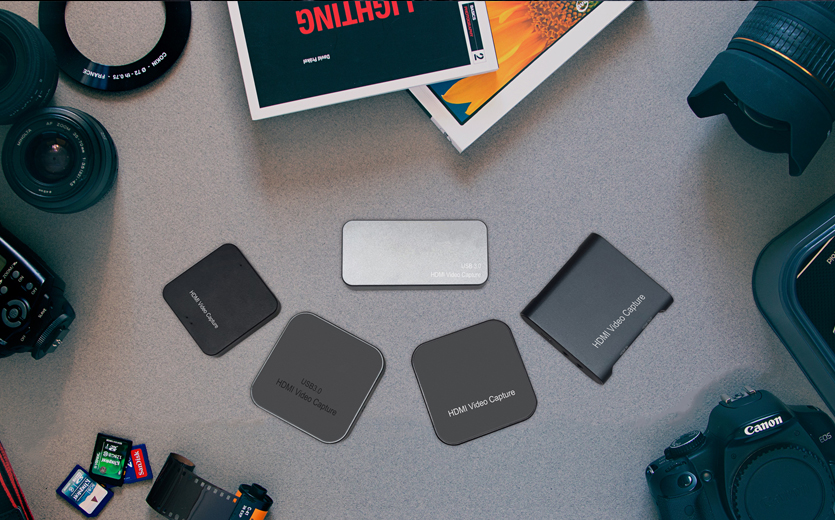
From an engineering perspective, a Video Capture Card is essentially a Signal Converter. Its core task is to process HDMI/SDI video signals output by external devices (such as game consoles, DSLR cameras, or a secondary PC) through a built-in encoding chip, converting them into a digital Data Stream that a computer’s USB or PCIe interface can recognize.
Without this "digital pass," a computer's USB interface cannot directly read raw image data from an HDMI source. Therefore, the capture card acts as the only physical gate-way for external video sources to enter streaming software (like OBS).
II. Technical Bottleneck Analysis: Why is Software Capture Not Enough?
Many streamers using a "Single PC Setup" (playing and streaming on the same machine) often encounter stuttering or frame drops. This is caused by the issue of Resource Contention.
CPU/GPU Overload: Live streaming is essentially a high-intensity, real-time encoding process. If you use software capture (like OBS Window Capture), your graphics card must render high-definition game graphics while simultaneously handling video encoding for the stream. This "double burden" causes GPU saturation, leading to thermal throttling or frequency drops.
The Offloading Mechanism: Introducing a capture card to build a "Dual PC Setup" allows you to physically separate "gaming" from "streaming." The Gaming PC is responsible only for rendering graphics, outputting the signal via HDMI to the capture card; the capture card, connected to a second computer (the Streaming PC), handles the video processing. This physical isolation completely resolves resource contention and is the cornerstone of professional studio stability.
III. Three "Must-Have" Scenarios: From Consoles to DSLRs
For the following three application scenarios, a video capture card is not an "optional accessory," but a critical part of the "operating environment."
1. Console Streaming Game consoles like the Switch, PS5, or Xbox are closed systems and cannot run streaming software like OBS. To transmit console footage to a PC-based streaming setup, the signal must be intercepted via an HDMI capture card. This represents the most basic and widespread market demand.
2. Turning DSLRs/Mirrorless Cameras into "Ultra-HD Webcams" Streamers seeking superior image quality are no longer satisfied with standard USB webcam output. By using a capture card, DSLRs or mirrorless cameras with HDMI output can be connected to a PC. Compared to ordinary webcams, the large sensors and optical lenses of professional cameras provide far better depth of field and low-noise imagery.
3. High-End Esports Dual-PC Streaming As mentioned earlier, for FPS games like PUBG or Apex Legends that demand extremely high frame rates, any system resource usage by background encoding is unacceptable. The dual-PC capture solution ensures zero performance loss on the gaming side.
IV. Key Technical Specifications
When sourcing or selecting products for B2B purposes, focus on the following hardware indicators, as they directly determine the final quality of the live stream:
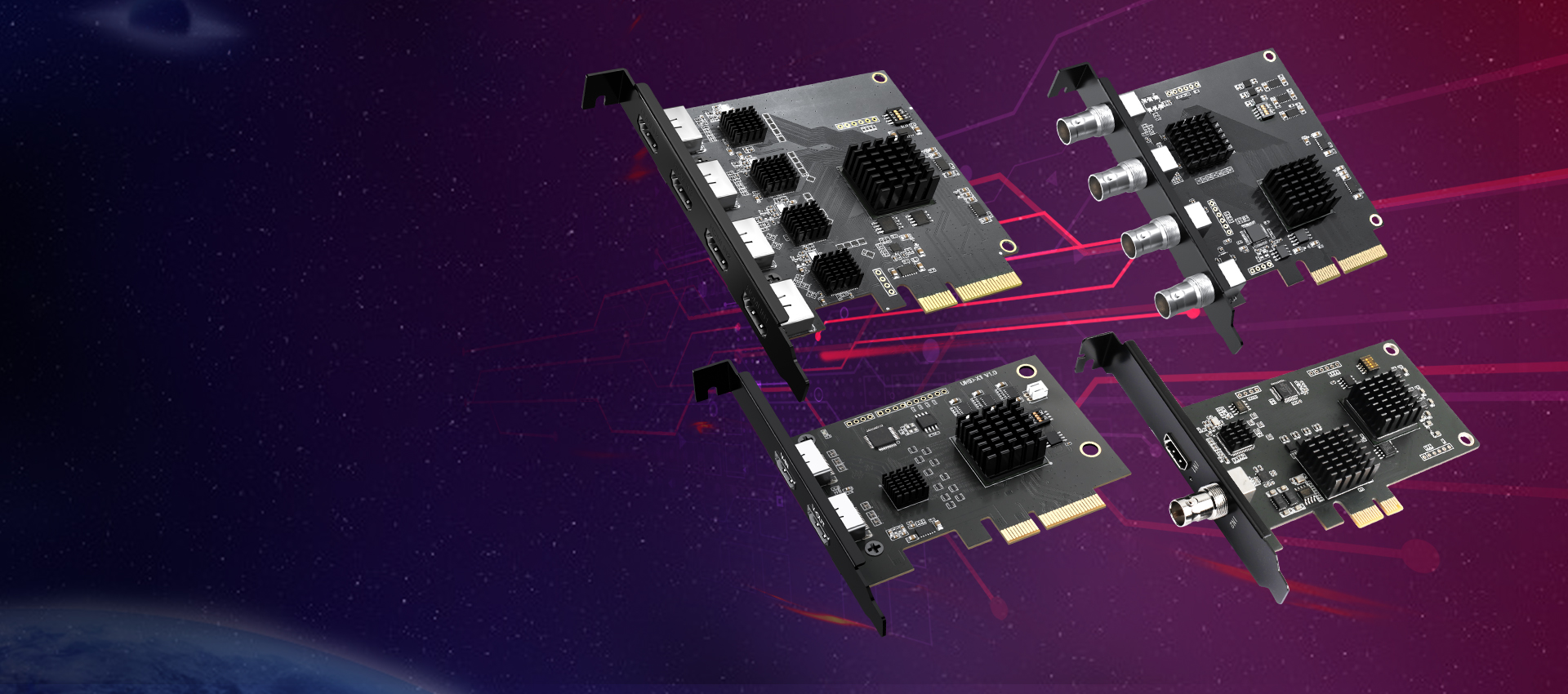
Passthrough (Loop-out): This is the function of the "HDMI OUT" port on the card. It allows the signal to enter the computer while simultaneously outputting to a monitor without delay. Zero-latency passthrough is a core requirement for FPS streamers; low-end cards often lack this, resulting in input lag that affects gameplay.
Capture Resolution vs. Passthrough Resolution: This is a common marketing trap. A card labeled "4K" might only support 4K passthrough, while the actual recording/streaming spec maxes out at 1080P 60Hz. For clients seeking ultimate quality, you must verify if the recording specs reach actual 4K30Hz or 1080P 120Hz (High Refresh Rate Capture).
Interface Protocol & Bandwidth:
USB 2.0: Bandwidth is limited. These usually employ MJPEG compressed transmission, resulting in lossy image quality.
USB 3.0 / Type-C: With 5Gbps bandwidth, these support YUY2/NV12 uncompressed or low-loss transmission, offering superior color reproduction. This is the mainstream choice for the mid-to-high-end market.
V. Conclusion: The Value of Equipment Investment
For 90% of streamers currently on the fence, the decision should rely on their "Content Ecosystem."
For simple chatting or lightweight PC gaming, software capture is sufficient. However, once the content involves cross-platform inputs (consoles), professional image quality (cameras), or extreme performance requirements (dual PC), the video capture card is the only solution to break through hardware bottlenecks.
As a professional video capture card manufacturer, we recommend that clients prioritize products featuring aluminum alloy thermal designs and mature chipset solutions (such as those supporting the UVC driver-free protocol) to ensure stability during long-duration broadcasting sessions.









