A passive cable/adapter is an off-the-shelf cable that uses wires to connect the pins on the two plug ends together. It does not have any signal enhancement function, so it is cheaper. This type of cable does not require additional chips, and most of the household cables we buy daily are passive types. When the cable is designed to exceed the recommended maximum distance, thicker wires and better shielding are usually used to extend the USB signal farther.
In specific cases, such as sending DisplayPort or Mini DisplayPort signals to VGA, DVI, or HDMI displays, an adapter/converter is required. At this time, choosing an active or passive adapter depends on the signal type of the video source, the number of displays, and whether the video source supports dual-mode DisplayPort (DP++) output. If the video source supports DP++ output, a passive adapter can be used. The DP++ video source itself performs the conversion, not the adapter, and the Thunderbolt port also supports DP++. However, if the source does not support DP++ or needs to be connected to multiple displays, an active adapter may be required.
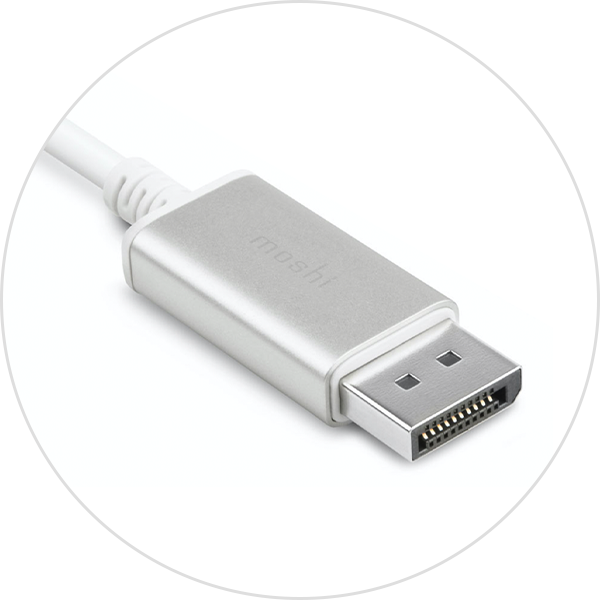
In contrast, active cables use built-in power circuitry (additional chips) to maintain and enhance data signals, ensuring data integrity over longer distances, which is usually longer than passive cables. Active adapters/converters also use chips to convert between single-mode and dual-mode outputs, so that the connected video source does not need to support DP++. Active adapters are particularly useful for use with graphics cards that do not output dual-mode signals, or when multiple monitors need to be used on the same computer.
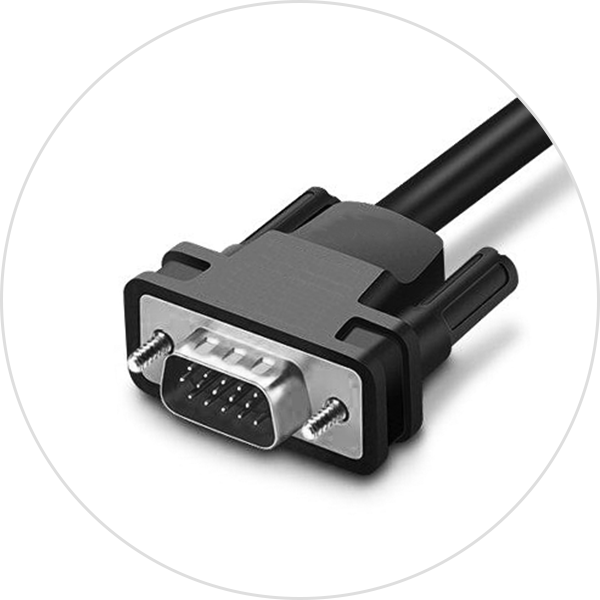
The general way to tell whether an adapter/cable is active or passive is to see if the seller states it, such as "Active USB Extension Cable" or "Active DisplayPort to HDMI Adapter". These accessories usually have a small box that houses the conversion chip and is larger than a normal plug. If the adapter cable is not larger than a normal plug, it is likely passive. All DisplayPort to VGA adapters are active because they involve conversion of digital signals to ana-log signals. DisplayPort to HDMI/DVI adapters can be either active or passive. In short, active adapters/cables have chips that can improve device performance; those without chips are passive.
Additionally, if you need to connect a DVI monitor to the GPU's DisplayPort port and take advantage of DisplayPort technology (such as AMD Eyefinity technology), an active adapter is required because it converts the monitor's DVI signal to the GPU's native DisplayPort signal. A passive adapter only enables DisplayPort output to communicate with DVI, but the GPU is not actually connected to a DisplayPort monitor. In this case, it is important to consult the graphics card manufacturer to confirm the type of adapter required.









