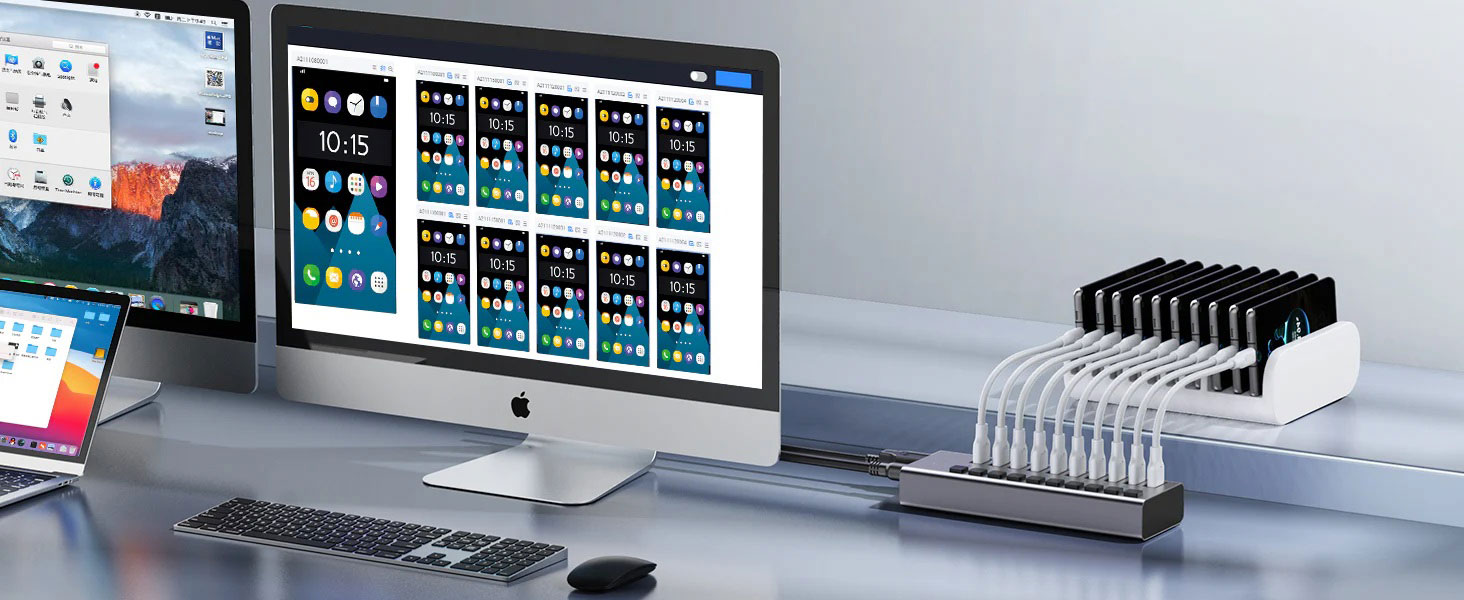
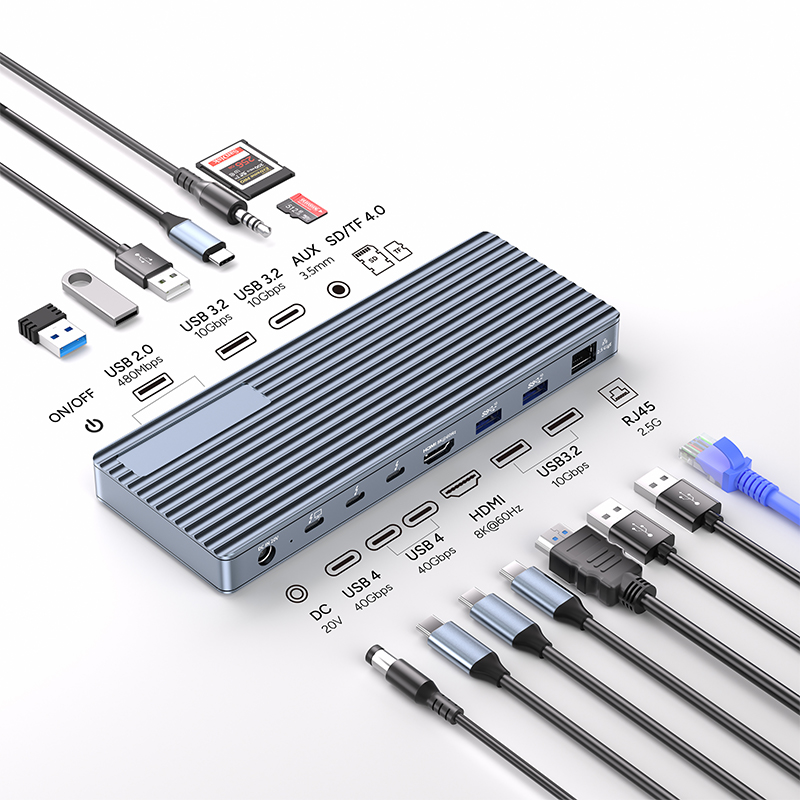
In modern digital office and daily life scenarios, USB-C hubs have quietly become essential tools for many users' workstations and home offices. This small yet powerful accessory, like a feature-rich "digital hub", can easily expand diverse functions for laptops, covering key areas such as high-speed data transfer and high-definition media display, greatly enhancing the convenience and functionality of device use.
When you are about to embark on the journey of purchasing a USB-C hub, many factors need to be taken into consideration, including the number of ports, size, connector type, price range, and special functions. These factors are intertwined and jointly influence your final decision, and each one is of great importance.
High-Definition Transmission Interfaces: HDMI and DisplayPort
HDMI: The Classic Bridge for High-Definition Multimedia
HDMI, namely High-Definition Multimedia Interface, is a mainstay in the field of digital audio and video transmission. From the widely popular 1080P computer monitors to various cutting-edge HDMI-compatible digital audio devices, HDMI always achieves seamless transmission of high-quality digital audio and video signals with stable and excellent performance, bringing users an immersive audio-visual feast.
DisplayPort: The Ideal Choice for Gamers
DisplayPort is somewhat similar in appearance to HDMI. In fact, it is a digital interface designed to transmit both video and audio signals through a single cable. With its excellent support for high refresh rates and high resolutions, DisplayPort has quickly become a popular choice among gamers. Similar to HDMI, it can accurately transmit audio and video signals, meeting gamers' strict pursuit of extreme gaming graphics and sound effects.
Number and Types of Ports: The Key to Meeting Requirements
Number of Ports: Make a Decision Based on Needs and Match Precisely
The number of ports on a USB-C hub is undoubtedly a core factor influencing the purchase decision. If you only need to connect basic devices such as a mouse, keyboard, and monitor in your daily life, then a hub with a streamlined port configuration that meets your basic needs is sufficient. This can not only meet your usage requirements but also avoid the cost increase caused by too many redundant ports, achieving a perfect balance between economy and practicality.
Compatible Port Types: Consider Carefully for Seamless Docking
Different devices have specific requirements for port types. Therefore, when purchasing a USB-C hub, ensuring the compatibility of port types is of great significance. Hub products on the market are rich in port settings and configurations. You need to accurately match the actual port requirements of your devices with the functional features of a single USB-C hub to ensure smooth connection and efficient collaboration between devices.