Apple recently released its latest MacBook Air models powered by the revolutionary M3 chip, which takes performance and productivity to new heights. The M3 chip MacBook Air not only delivers superior performance, but also further solidifies its position as the world's top consumer laptop for AI tasks. With advanced features including support for dual external monitor connections when the laptop lid is closed, this device is ideal for professionals, crea-tive workers, and anyone looking for a seamless and efficient computing experience.
The M3 chip MacBook Air supports the built-in display to present full native resolution with 1 billion colors, bringing an extraordinary visual experience. At the same time, it can connect an external display with a resolution of up to 6K and a refresh rate of 60Hz. What is particularly worth mentioning is that when the notebook lid is closed, the dual external display function can be enabled. The second external display can present a resolution of up to 5K at a 60Hz refresh rate, enabling an immersive multi-display setup. Greatly improve work efficiency. This feature is significantly different from the previous generation M1 and M2 chipset products, which only supported a single external display.
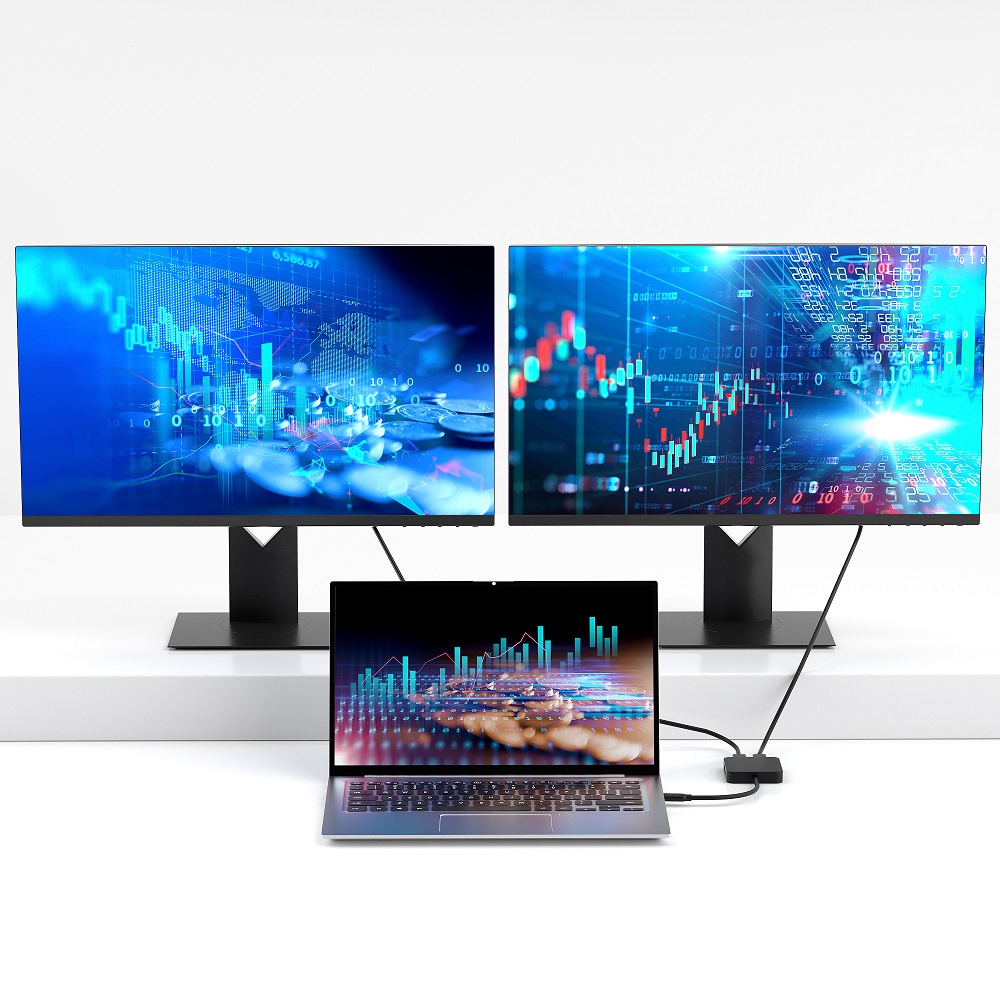
To realize the full potential of your M3 MacBook Air, especially its dual external monitor capabilities, the Purplelec Thunderbolt™ 4 docking station is ideal. The docking station can be seamlessly integrated with the M3 MacBook Air to provide the connectivity and performance required to drive dual external monitors when the notebook lid is closed, helping to create a multi-functional and efficient workstation to meet multi-tasking needs.
For MacBook users with M1 or M2 chipsets, Purplelec also offers multi-monitor solutions. Through Purplelec's DisplayLink® base and software technology, multi-monitor setups can be easily achieved regardless of whether the laptop lid is opened or closed, optimizing the work space and improving work efficiency.
There are differences in dual display support between the M3 basic chipset and M3 Pro/Max. The M3 base chipset requires the laptop lid to be closed to use a second external monitor, and the maximum supported external monitor resolutions are one 5K @ 60Hz and one 6K @ 60Hz. The M3 Pro and M3 Max chipsets provide enhanced video performance, allowing the use of a total of three screens (including the MacBook screen and two external monitors) when the notebook is open, and support up to dual 6K resolution external monitors, providing more Multiple screen spaces and parallel task processing capabilities.
Purplelec's DisplayLink® docking station provides a more flexible solution for the M3 chipset, enabling triple display functionality regardless of whether the laptop lid is open or closed. This feature is available on the M3 base chipset and the more advanced M3 Pro and Max chipsets, equivalent to the M1/M2 Pro and Max models. While the base M3 chipset requires the notebook lid to be closed, the DisplayLink® solution eliminates this limitation while retaining the 1 billion colors displayed directly on the MacBook screen. For the single display limitation faced by MacBook users with M1 and M2 basic chipsets, use a DisplayLink® docking station (such as SD4790P) to connect up to three external displays and keep the MacBook screen as an additional workspace to achieve four-screen linkage (laptop screen + three an external monitor).










