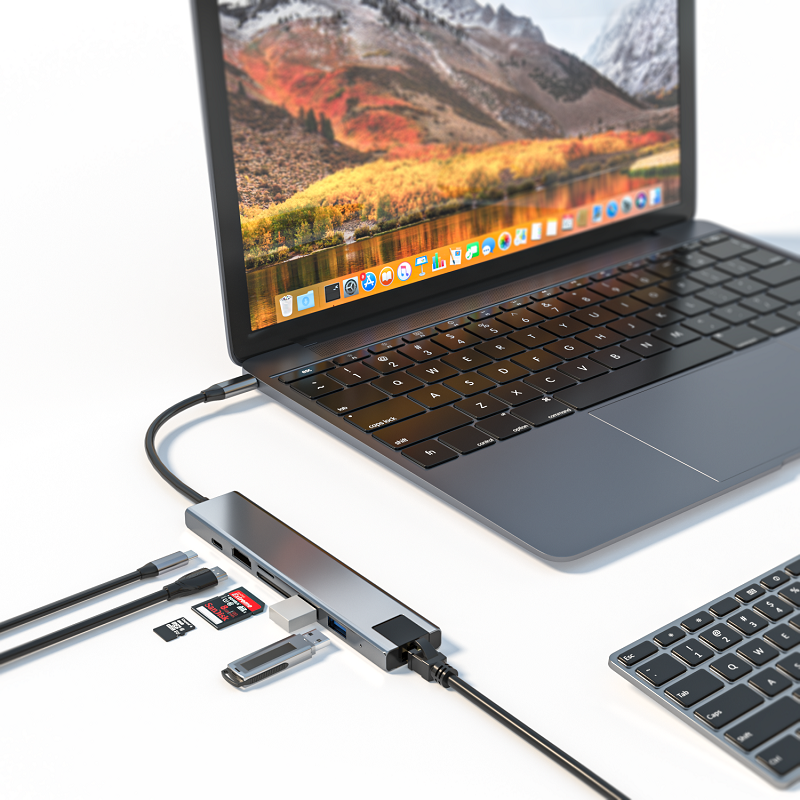
At a time when the Internet is deeply integrated into life, almost every family cannot do without the Internet. As the core element of the home network, the Internet speed directly affects our work and entertainment experience. In order to meet the various Internet needs of family members, a fast and reliable home Internet connection has become a must. If you are worried about choosing the right home network equipment, this article will provide you with a comprehensive guide on Ethernet hubs to help you build an ideal home network.
With the popularity of smart devices, the number of devices connected to the home network is increasing, and a stable and high-speed network has become essential. Ethernet hubs play an important role in home networks. They can concentrate all connected devices in one physical location, effectively improving the stability of the network. Whether playing games, watching videos, or working from home, a stable network connection can reduce content loading time and let you say goodbye to long waits.
USB-C Hub Purchase Tips
When purchasing an Ethernet hub, the following key factors need to be focused on:
Speed selection
Currently, the common Ethernet hub speeds on the market are 10/100 Mbps Fast Ethernet and 10/100/1000 Mbps Gigabit Ethernet. Users can choose a hub with the appropriate speed based on the actual needs and usage scenarios of the home network.
Energy-saving features
Some Ethernet hubs have energy-saving features, such as Energy-Efficient Ethernet (EEE) or automatic sleep mode, which help reduce power consumption and reduce electricity bills. When purchasing, products with energy-saving features can be given priority.
Security features
Basic Ethernet hubs usually lack built-in security features and are vulnerable to malicious activities. To ensure network security, it is recommended to choose a hub with security features such as port-based VLAN (virtual LAN) or access control list (ACL) to prevent unauthorized access.
Best Practices for Home Use of Ethernet Hubs
Placement and Cable Management
Placing an Ethernet hub in the center of your home network minimizes cable lengths and ensures optimal network performance. Also, use cable organizers or clips to keep cables neat and tidy, which reduces the risk of interference and improves the overall aesthetics of your network setup.
Enhance Security and Data Protection
Because most Ethernet hubs lack built-in security features, additional security measures are needed to protect your network. Implementing firewalls, installing antivirus software, and developing strong password policies are all important ways to effectively prevent unauthorized access and potential threats.
Troubleshooting
Regularly check your Ethernet hub for signs of problems, such as abnormal flashing lights or a sudden drop in network performance. If you find a problem, try restarting the hub, checking for loose cable connections, or consulting the user manual for specific troubleshooting steps.
By choosing and using Ethernet hubs properly, you will be able to create a stable, fast, and secure home network environment and make the Internet better serve your life.