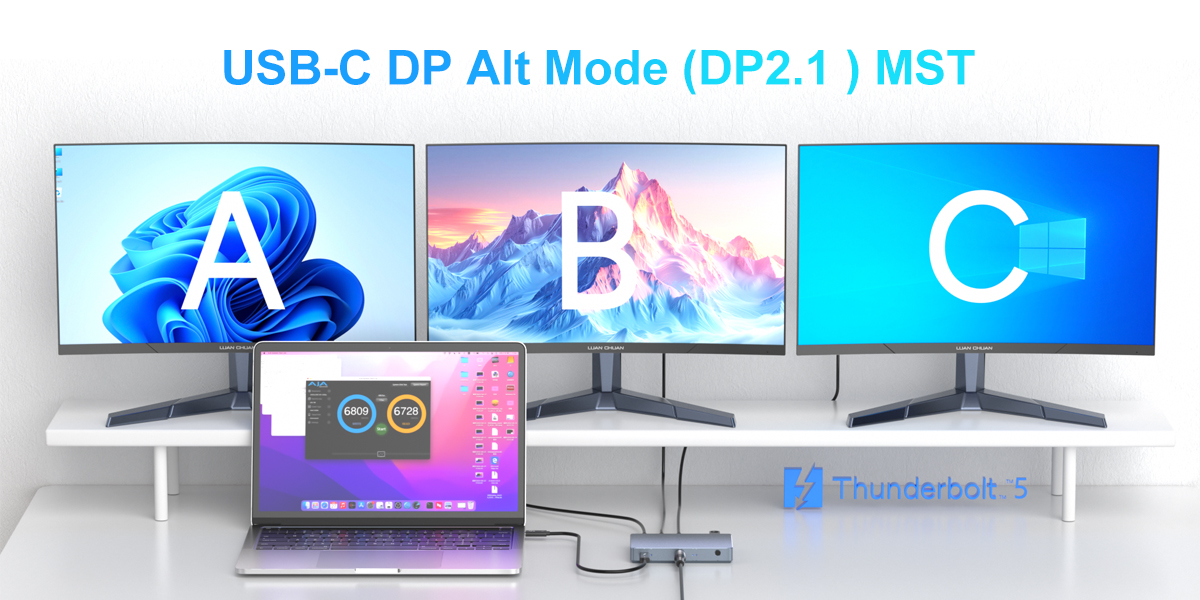
In today's rapidly evolving technological landscape, keeping pace with the latest advancements is crucial. Among these technological progressions, DisplayLink and Thunderbolt 4 have gained significant popularity in recent years. This article will delve into the differences between these two technologies and their respective use cases, helping you make an informed decision and choose the one that best suits your needs.
DisplayLink: A Convenient Option for Multiple Displays
DisplayLink is a technology that enables you to connect multiple displays to a computer using a single USB connection. Leveraging the power of USB, DisplayLink simplifies the setup and management process for multi-display workstations, digital signage, and other applications requiring multiple display outputs, making it an ideal solution for such scenarios.
Key Features of DisplayLink
Multi-display Connection: Connect multiple displays using a single USB connection.
High-resolution Support: Supports resolutions up to 4K.
Wide Device Compatibility: Compatible with a variety of devices, including PCs, laptops, and tablets.
Cost-effective Solution: An economical choice for multi-display setups.
Thunderbolt 4: A High-speed, Versatile Connection Standard
Thunderbolt 4 is a high-speed, multi-functional connection standard developed by Intel. It combines the best features of USB, DisplayPort, and PCI Express, allowing you to transfer data, output video, and charge devices through a single cable. Thunderbolt 4 offers an all-in-one solution with unparalleled performance and convenience.
Key Features of Thunderbolt 4
High-speed Data Transfer: Transfer data at speeds up to 40Gbps.
Powerful Display Support: Support multiple 4K displays or a single 8K display.
Efficient Power Delivery: Provide up to 100W of power to charge devices.
Daisy-chain Functionality: Support connecting multiple devices.
Comparison between DisplayLink and Thunderbolt 4
Now that we have a basic understanding of DisplayLink and Thunderbolt 4, let's compare their main features and differences to help you make a wise decision.
1. Display Capabilities
Resolution Support: DisplayLink supports resolutions up to 4K; Thunderbolt 4 supports up to two 4K displays or a single 8K display, offering superior performance in terms of display resolution and refresh rate.
Data Transfer Speed: DisplayLink relies on USB connections, with speeds ranging from 5Gbps to 10Gbps; Thunderbolt 4 transfers data at speeds up to 40Gbps, significantly faster.
Compatibility: DisplayLink is compatible with a wide range of devices equipped with standard USB ports; Thunderbolt 4 requires devices with specific Thunderbolt 4 ports, limiting its compatibility to newer devices.
Power Delivery: DisplayLink lacks power delivery capabilities; Thunderbolt 4 can charge devices with up to 100W of power.
Cost: DisplayLink is a cost-effective solution; Thunderbolt 4 is more expensive due to its dedicated hardware requirements.
2. Data Transfer Speed
Thunderbolt 4 outperforms DisplayLink in terms of data transfer speed. With a maximum speed of 40Gbps, Thunderbolt 4 is much faster than DisplayLink, which depends on USB connection speeds typically ranging from 5Gbps to 10Gbps.
3. Compatibility
DisplayLink has an edge in compatibility, as it works with various devices featuring standard USB ports. In contrast, Thunderbolt 4 is limited to devices with specific ports, restricting its compatibility to relatively newer equipment.
4. Power Delivery
Thunderbolt 4 can provide up to 100W of power to charge devices, making it a convenient solution for powering laptops and other devices without the need for an additional power source. DisplayLink does not offer power delivery functionality.
5. Cost
DisplayLink is generally a more affordable solution for multi-display setups, as it relies on standard USB connections and does not require expensive cables or adapters. Thunderbolt 4, while offering exceptional performance, comes at a higher price due to its dedicated hardware.
Conclusion
In conclusion, both DisplayLink and Thunderbolt 4 have their own strengths and weaknesses. DisplayLink is a cost-effective solution for multi-display configurations, while Thunderbolt 4 offers superior performance in terms of display capabilities, data transfer speed, and power delivery. When making a decision, consider your specific needs and budget carefully.