By PURPLELEC | 19 July 2025 | 0 Comments
Find the best HDMI cable for PS5
Are you on the hunt for the best HDMI cable for your PlayStation 5 (PS5)? Before making a purchase, it's crucial to understand the performance features of HDMI cables. In fact, there's no such thing as an absolute "best" HDMI cable. Any HDMI 2.1 cable will generally suffice.
However, you should pay close attention to the cable's construction and length. A poorly-structured cable can generate electromagnetic interference (EMI). Moreover, the longer the cable, the weaker the HDMI signal becomes. Additionally, to fully leverage the capabilities of HDMI 2.1, you must also check your TV's specifications.
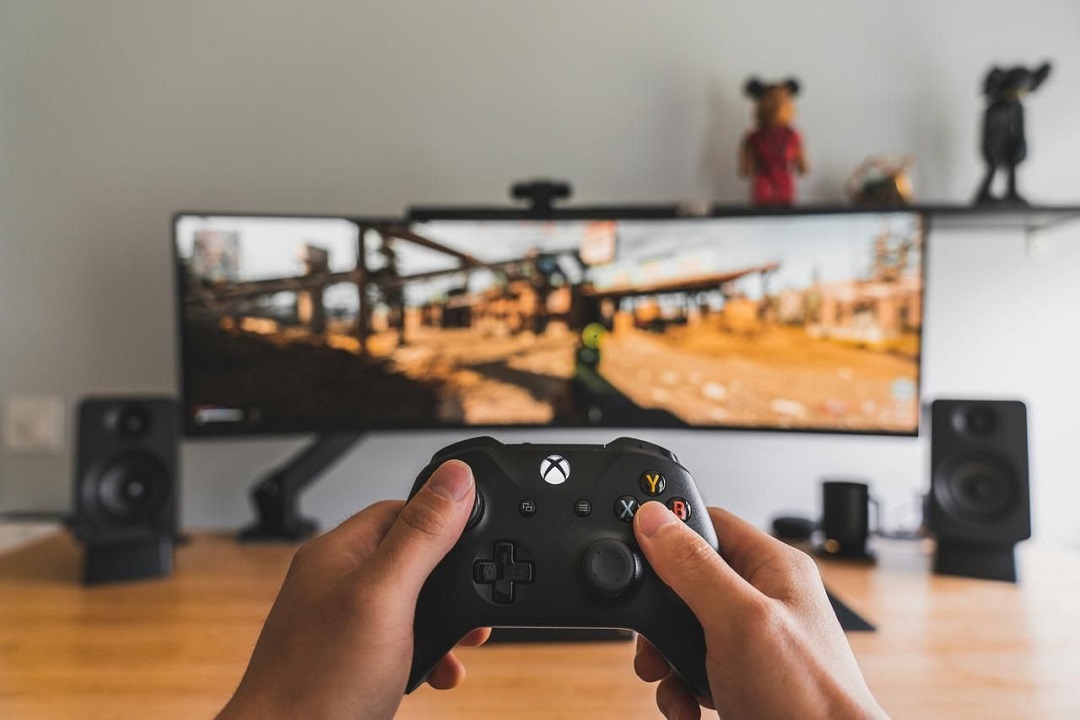
Specifications of HDMI Cables for PS5
The cable that comes with the PS5 console features an HDMI 2.1 interface. As the latest version of HDMI, it can handle resolutions of 4k at 120Hz and 8k at 60Hz. Furthermore, it supports Variable Refresh Rate (VRR), Auto Low Latency Mode (ALLM) technology (which minimizes input lag), as well as overall game optimization and eARC.
Interestingly, it is backward compatible with HDMI 2.0. But keep in mind that you won't be able to enjoy features like VRR, ALLM, and eARC when using HDMI 2.0.
What Matters Most in an HDMI Cable for PS5
There's a lot of hype surrounding the best HDMI cable for PlayStation 5. Indeed, HDMI cables play a vital role in transmitting the PS5 console's visuals to your TV. Nevertheless, they can only truly shine when your TV or display device supports the high-end features of HDMI 2.1, such as VRR and 4k at 120Hz. Among these features, VRR deserves special mention.
VRR: A Roller Coaster of Emotions
During gameplay (as we'll demonstrate later), every action is represented by images, which is related to the refresh rate. Intense scenes demand a higher refresh rate to deliver smoother, tear-free video. Now, if your TV doesn't support VRR, it will never receive the varying refresh rate signals sent by the PS5. This might lead you to doubt the performance of the HDMI cable.
Imagine having the best PS5 HDMI cable, but your TV lacks VRR functionality. If it could talk, it would probably say, "Hey, why are you feeding me something I can't digest?"

Selecting the Best HDMI Cable for PS5 Gaming
As I mentioned earlier, most HDMI 2.1 cables can achieve their intended transmission speeds, including 4k at 120Hz and 8k at 60Hz, or even higher. Your decision should be based on the following two factors.
Build Quality: The Beauty and the Beast
Build quality isn't just about aesthetics; it also encompasses durability, flexibility, and, most importantly, the cable's materials. The ideal HDMI cable for PS5 gaming should incorporate aluminum and nylon shielding to prevent signal interruptions.
Electronic devices, including but not limited to Roku devices, Blu-ray players, and Dolby Atmos systems, can emit electromagnetic interference (EMI) and radio frequency interference (RFI). Brief contact between these interferences and the HDMI signal can result in pixelated or distorted images, audio glitches, or even complete signal loss. Shielding ensures clearer and more reliable signal transmission, thereby enhancing both picture and sound quality.
Cable Length: Shorter is Better
Typically, HDMI signals weaken over long distances. However, cables ranging from 15 to 25 feet (4.5 to 7.5 meters) are suitable for most standard home theater setups and provide satisfactory performance with minimal signal degradation. For 4K resolution at 120Hz, it's advisable to use a shorter cable, around 1.5 meters (59 inches).
With a short HDMI 2.1 cable and a bandwidth of 48 Gbps, your Spider-Man in the game can easily handle 4k at 120Hz resolution and respond promptly to your controller commands, giving you full control of the game.
In conclusion, when searching for the best HDMI cable for your PS5 gaming console, consider the high-end features of HDMI 2.1 and ensure compatibility with your TV or display device. Opting for a short HDMI 2.1 cable with a bandwidth of 48 Gbps will guarantee a smooth gaming experience and help you dominate the game.
HDMI 2.1 vs DisplayPort 1.4: A Comprehensive Comparison and Selection Guide
4K Display Selection Guide: In-depth Analysis of 60Hz vs. 30Hz
Leave a Reply
Your email address will not be published.Required fields are marked. *