By PURPLELEC | 11 June 2025 | 0 Comments
Display Stream Compression (DSC): Making High-Resolution Displays Possible
Display Stream Compression (DSC), often abbreviated as DSC, is a visually lossless compression form developed by the Video Electronics Standards Association (VESA) for ultra-high-definition displays. Its purpose is to reduce the bandwidth requirements for connections between source devices such as Blu-ray players, personal computers, game consoles, and displays.
Mathematically, DSC is a lossy technology, but from the viewer's perspective, there is almost no discernible difference between videos rendered at native quality and those compressed using DSC. This makes DSC an ideal tool for displays and televisions to present content at higher resolutions and refresh rates.
The Development and Application of DSC
DisplayPort 1.4 with DSC was the first cable to support Display Stream Compression, further enhancing the already powerful connector and enabling higher resolutions and refresh rates on compatible displays. Subsequently, the new generation of HDMI 2.1 connectors also adopted this technology for the same purpose. Moreover, DisplayPort 2.0/2.1 connections, as well as USB4 and Thunderbolt 4, also support DSC technology.
How DSC Works
The VESA DSC standard is a crucial component of modern connectors, providing a method to increase the available bandwidth of DisplayPort and HDMI cables. DSC is a visually lossless, low-latency compression algorithm based on the YCoCg color space. This means that while the algorithm can reduce the bandwidth requirements for high-resolution and high-refresh-rate content, viewers are completely unable to perceive any difference.
In practical terms, DisplayPort 1.4 with DSC enabled is significantly more powerful than DisplayPort 1.4 without it. The basic bandwidth of DisplayPort 1.4 is 32.4 Gbps. Standard DisplayPort connections can support 60Hz 4K HDR with a 30-bit/pixel color depth, whereas with DSC enabled, it can support 120Hz 4K HDR and even 60Hz 8K HDR.
DisplayPort hubs that support DSC can also utilize it to handle multiple ultra-high-resolution displays simultaneously, simplifying multi-display setups, especially at high resolutions.
With the introduction of newer standards, the advantages of DSC have become even more pronounced. The HDMI 2.1 standard can support up to approximately 50Hz 8K resolution with an 8-bit/pixel color depth, but with Display Stream Compression 1.2, it can support up to 120Hz 8K resolution and even up to 100Hz 10K resolution.
The next-generation DisplayPort 2.0 standard will take things even further. Its bandwidth far exceeds that of HDMI 2.1, and thanks to support for the updated Display Stream Compression 1.2a, it can handle resolutions and refresh rates that far surpass other standards. It will support up to 240Hz 4K displays, as well as two 120Hz 8K displays or one 60Hz 16K display.
Advantages of DSC for Display Manufacturers
For display manufacturers, whether a TV or monitor uses a DSC DisplayPort interface or a DSC-enabled HDMI 2.1 interface, it means lower manufacturing costs, fewer cables, lower power consumption (thus improving the efficiency of standalone displays or extending the battery life of mobile devices), and less electromagnetic interference.
DSC on USB-C: The Future Trend
One of the major advantages of the DisplayPort standard (and its extended Display Stream Compression) is that it can be utilized by other cables and ports. USB-C and Thunderbolt technologies leverage DisplayPort for video and audio transmission in DP Alt Mode, and in return, they can utilize VESA DSC to support higher resolutions and refresh rates.
Thunderbolt and USB-C cables and hubs have already made full use of DisplayPort 1.4 and DSC technology, enabling the connection of up to three 4K displays using just a single USB-C hub. These connections can achieve 8K resolution through USB-C and Thunderbolt 3, but the latest versions of DisplayPort 2.0/2.1 Alt Mode support and new USB-C connections are even more impressive.
Through USB4 and Thunderbolt 4 interfaces, the DisplayPort 2.1 Alt Mode allows these already impressive connection standards to achieve even higher resolutions and refresh rates. With the latest generation of DSC technology, USB4 and Thunderbolt 4 can support displays of up to 16K, or multiple 4K and 8K displays (running at up to 120Hz with HDR support), or up to three 10K displays (running at up to 60Hz with HDR support).
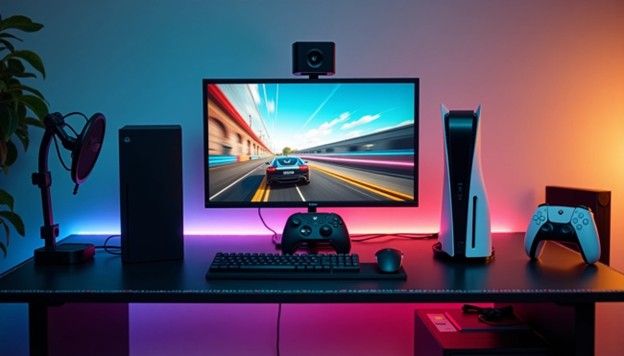
We have already seen DSC being applied in this way to the latest generation of gaming monitors, where 240Hz 4K resolution is becoming increasingly common. Typically, DSC or chroma subsampling is enabled to ensure that the bandwidth does not exceed the capabilities of DisplayPort, USB-C, or HDMI connections, although the most powerful Thunderbolt 4, USB4, and DisplayPort 2.1 connections should be able to handle these data rates without full compression.
Should You Enable DSC?
Gamers, movie enthusiasts, and TV viewers all strive for better visual quality in their entertainment content, while also seeking realism. No one wants to spend thousands of dollars on a new 8K TV or 4K high-refresh-rate monitor only to have the image quality degraded due to signal compression (at least in theory). However, DSC is different from YouTube's compression technology or some of the high-end technologies used by AMD and Nvidia to boost game frame rates. Even a trained eye cannot perceive DSC, making it a highly practical technology even if you want the most realistic images possible.
There is also the issue of latency. DSC does add some latency to the video signal, but the impact is minimal. In fact, some virtual reality and augmented reality headsets, such as the HTC Vive Pro 2, already use DSC. Since high latency and low image quality are very noticeable in VR, this should serve as a good indication that the impact of DSC is unlikely to be perceived.
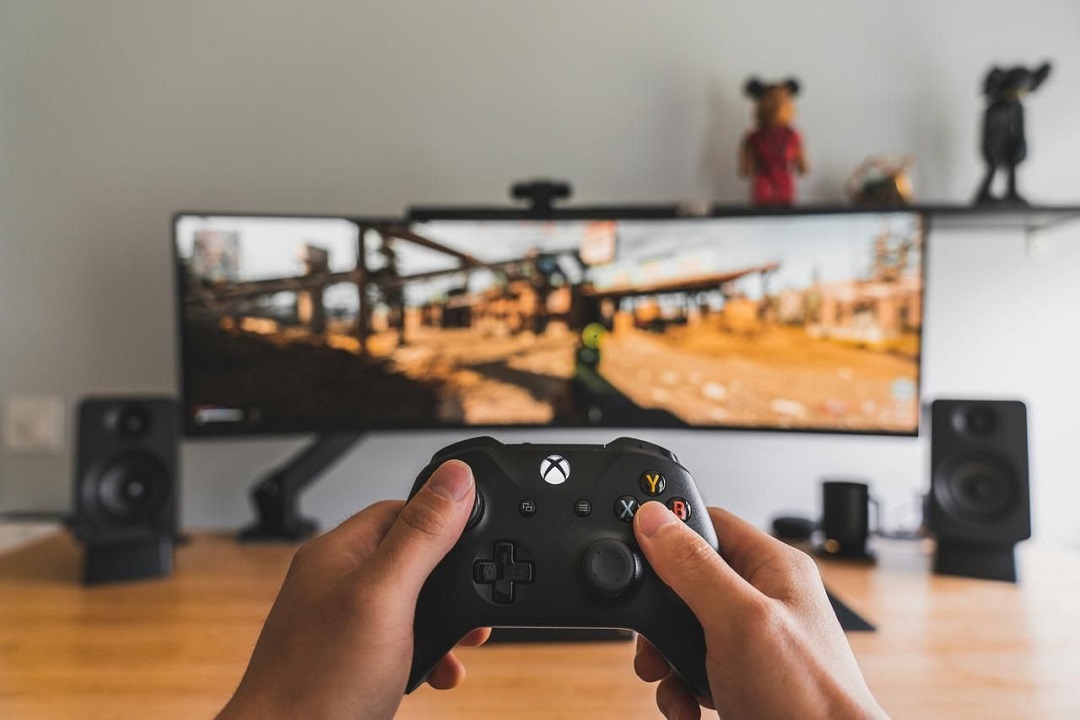
Another good reason to use DSC is that you may already have it enabled without even realizing it. If your display supports DSC and your graphics card also supports it, it will almost certainly be enabled automatically. If you want to turn it off, you'll have to go through some trouble. For anyone using a high-end display, DSC is an integral part of the modern PC experience. If you're not a PC gamer? You may still be an unwitting user of DSC. The latest generation of PlayStation 5 and Xbox Series X/S consoles also use DSC to achieve 4K 120Hz gaming experiences.
HDMI Adapters: The Ultimate Guide to Connecting Devices
Is Ethernet Adapter Better Than Wi-Fi? Here’s What You Need to Know
Leave a Reply
Your email address will not be published.Required fields are marked. *